
Reviews
Sus gráficos añaden un toque agradable a mis presentaciones y recientemente los usé para una de mis reuniones generales. Su conjunto de herramientas añade profesionalismo a mis diapositivas. En lugar de usar imágenes prediseñadas estándar.
Necesitaba un aspecto fresco para algunas de mis diapositivas. Había intentado encontrar una forma de crear un efecto de pincel, de subrayar, acentuar, añadir algo de color y los marcadores escritos a mano fueron justo lo que necesitaba. Muy fácil de usar, fácil de ajustar el tamaño, cambiar el color. Fue una solución asequible y perfecta, y estoy feliz de recomendarla.
El aspecto nítido y limpio de los gráficos, y el hecho de que me permitiera editar y cambiar fácilmente los colores para que coincidieran con la plantilla fue mi principal razón para comprarlos.
Description
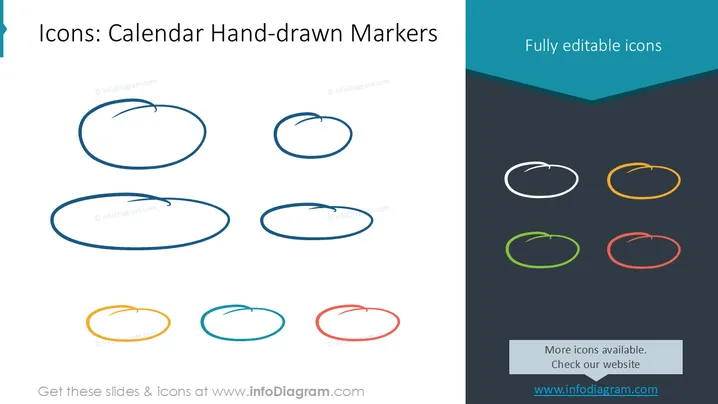
Icons: Calendar Hand-drawn Markers
Slide Content
The PowerPoint slide presents a collection of hand-drawn marker icons meant to represent calendar events or important dates. These icons are in various colors and appear as informal, sketched circles which suggest flexibility and a personalized approach for marking events. Each icon's color adds an additional layer for categorizing or prioritizing events, allowing for a customizable calendar experience.
Graphical Look
- The slide has a dark grey background which provides high contrast for the colorful icons.
- On the left, six elongated oval icons are arranged vertically in two columns. They are drawn with a brush-like texture, giving the appearance of hand-drawn circles.
- The icons' colors are two shades of blue at the top, followed by orange and light blue, and finishing with yellow and red at the bottom.
- On the right, there is a large banner with a dark teal header that reads "Fully editable icons" in light blue text, angled downwards on the right side.
- The colors of the icons on the left are replicated in smaller circular forms under the dark teal header on the right, with white lines that suggest their hand-drawn nature.
The overall look of the slide is minimalist and clean, with a creative and casual aesthetic. The hand-drawn style of the icons gives the slide an informal and approachable feel.
Use Cases
- To mark important dates or events in a presentation calendar where a formal icon would be too rigid.
- As a visual tool to help categorize tasks or priorities in a project timeline during team meetings.
- To add a personal or creative touch to personal productivity slides within a business context.
- For workshops or brainstorming sessions where visual stimuli can aid in highlighting key discussion points.
How to Edit
How to edit text & colors

How to expand / shorten diagram

How to Replace Icons in infoDiagram PPT


