

Your graphics add a nice touch to my presentations and I recently used them for one of my all-hands meetings. Your toolbox adds professionalism to my slides. Instead of using standard clipart.
Claude Jones, Director of Engineer, @Walmartlabs, USA

Your graphics add a nice touch to my presentations and I recently used them for one of my all-hands meetings. Your toolbox adds professionalism to my slides. Instead of using standard clipart.
Claude Jones, Director of Engineer, @Walmartlabs, USA
I needed a fresh look at some of my slides. I've tried to find a way to create a paintbrush effect, to underline, accentuate, add some color and the handwritten markers were just the things. Very easy to use, easy to size, change the color. It was an affordable, perfect solution and I'm happy to recommend it.
Anonymous, US
The crisp, clean look of the graphics, and the fact that it allowed me to easily edit and change the colors to match the template was my main reason for purchasing them.
Brandie Jenkins, E-learning Developer, USA
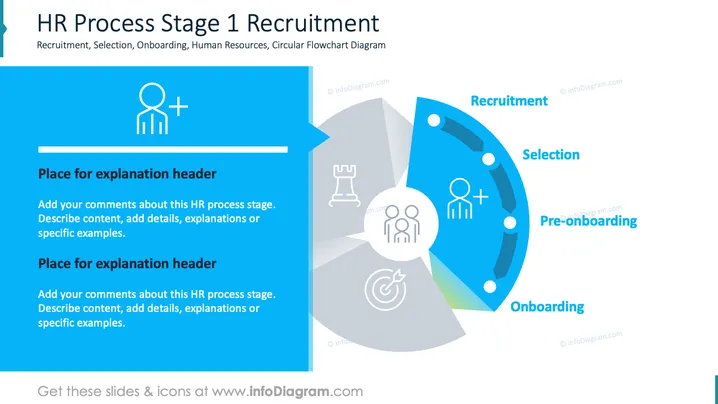
The slide outlines the first stage of the HR process, focusing on Recruitment, Selection, Pre-onboarding, and Onboarding. Recruitment involves attracting suitable candidates. Selection is about choosing the best fit from the applicants. Pre-onboarding prepares new hires for integration. Onboarding familiarizes employees with the company culture and workflow.
The slide's clean design, combined with structured information, makes it visually appealing and easy to understand. Ideal for presenting HR processes in business settings.



