
Reviews
Ihre Grafiken verleihen meinen Präsentationen eine nette Note, und ich habe sie kürzlich für eines meiner All-Hands-Meetings verwendet. Ihre Toolbox verleiht meinen Folien Professionalität, anstatt Standard-Clipart zu verwenden.
Ich brauchte einen neuen Blick auf einige meiner Folien. Ich habe versucht, einen Weg zu finden, einen Pinselschlag-Effekt zu erzielen, um zu unterstreichen, hervorzuheben, Farbe hinzuzufügen, und die handgeschriebenen Markierungen waren genau das Richtige. Sehr einfach zu bedienen, leicht in der Größe zu ändern, die Farbe zu ändern. Es war eine erschwingliche, perfekte Lösung und ich empfehle sie gerne weiter.
Die klare, saubere Optik der Grafiken und die Tatsache, dass ich die Farben leicht bearbeiten und an die Vorlage anpassen konnte, war mein Hauptgrund für den Kauf.
Description
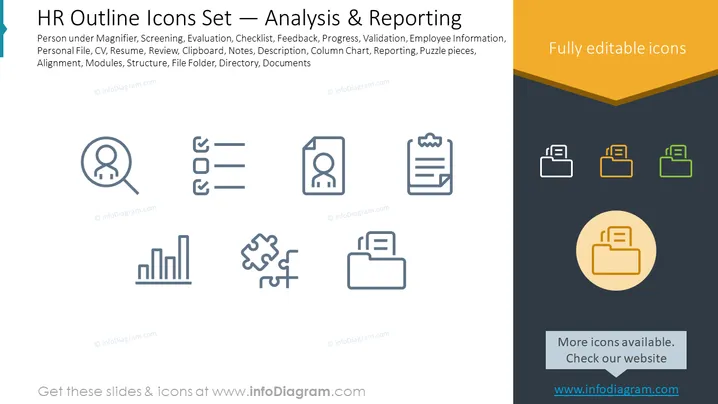
HR Outline Icons Set — Analysis & Reporting
Slide Content
The PowerPoint slide is titled "HR Outline Icons Set — Analysis & Reporting" and includes a list of various HR-related icon themes and activities such as Person under Magnifier (Representing scrutiny or in-depth analysis), Screening (Selection process), Evaluation (Assessment of performance or qualities), Checklist (Items to be verified or done), Feedback, Progress, Validation (Confirmation of compliance), Employee Information, Personal File, CV, Resume, Review, Clipboard, Notes, Description, Column Chart (Data visualization), Reporting, Puzzle pieces (Problem-solving or integration concept), Alignment, Modules, Structure, File Folder, Directory, and Documents. These icons appear to be tools for human resources management with a focus on analysis and reporting functions.
Graphical Look
- A predominantly white background with a dark gray footer section and a golden corner element on the upper right reading "Fully editable icons."
- The slide title is in large, bold, black text at the top.
- Below the title, a descriptive subheader in smaller black text lists keywords related to HR tasks.
- To the left and center, a set of line icons illustrates HR-related functions; they are evenly spaced and presented in two rows and four columns.
- Each icon is accompanied by a label in a lighter gray text, providing a brief description of the respective icon's function.
- The bottom gray footer contains text "More icons available. Check our website" in white, with a web address below it in a blue accent color.
- On the upper right, there is a stacked trio of folder icons colored in shades of yellow and green.
- A large, circular icon in a shade of gold with a folder image is placed in the center of the golden corner feature.
The slide utilizes a clean and professional design, employing a minimalist iconographic style to convey various aspects of HR activities. The composition is balanced, with a clear division between the icon set on the left and a highlighted feature on the right.
Use Cases
- To visually support an HR presentation regarding the processes and tools used in employee analysis and reporting.
- In training sessions for new HR employees to familiarize them with the symbols and software they will use in their role.
- During meetings to discuss improvements or changes in HR analytics and documentation processes.
- As part of a pitch to management or stakeholders outlining proposed HR systems and how they can streamline workflow.
How to Edit
How to edit text & colors

How to expand / shorten diagram

How to Replace Icons in infoDiagram PPT


