
Reviews
Your slides are my "secret sauce" when it comes to presenting my ideas to clients. I save a lot of time.
J'avais un délai de livraison à respecter et je n'avais pas le temps de créer une variété de modèles de diapositives. Infodiagram m'a proposé des options faciles à télécharger et à personnaliser en fonction de mes besoins !
Vos diapositives suscitent souvent de précieux commentaires et idées de la part de mon équipe, ce qui améliore les diapositives finales.
Description
3D Boxes 2x2 Matrix
Slide Content
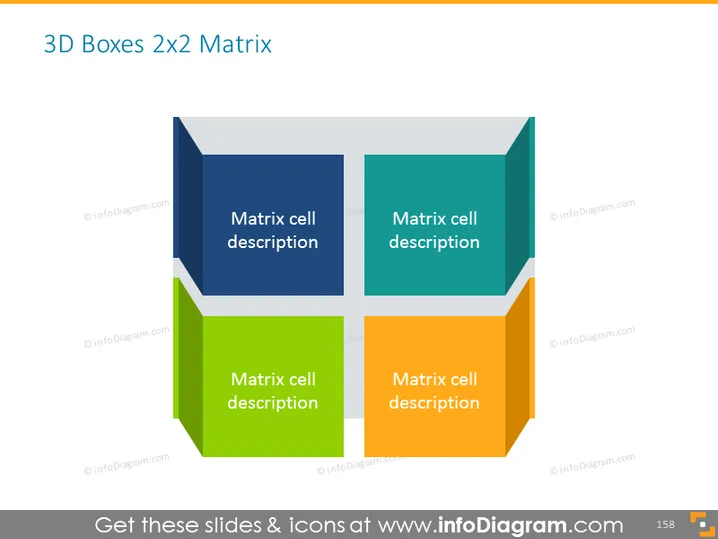
The slide presents a 3D Boxes 2x2 matrix, a commonly used framework for categorizing information into four distinct quadrants. Each box, visualized in a different color (blue, teal, green, and orange), contains the placeholder text "Matrix cell description," indicating where a presenter should include details relevant to that quadrant. This setup is useful for demonstrating relationships, comparisons, or strategic positioning of concepts, where each quadrant could represent a different dimension of analysis.
Graphical Look
- Four 3D-styled boxes arranged to form a 2x2 matrix.
- Each box has a distinct color: dark blue, teal, green, and orange.
- Placeholder text "Matrix cell description" is positioned in the center of each box.
- The boxes have a subtle shadow effect, giving a sense of depth and layer stacking.
- All the boxes and text are set against a light gray background.
The slide has a minimalistic and clean design, with a professional look achieved through the use of color-blocking and shadow effects to create the 3D appearance. The overall effect is modern and engaging, helping to draw attention to each quadrant.
Use Cases
- Analyzing business strategies by mapping out strengths, weaknesses, opportunities, and threats (SWOT Analysis).
- Comparing product features across two dimensions, such as price vs. quality.
- Visualizing business divisions or product categories in terms of market share and growth potential.
- Categorizing risks into different levels of priority or severity in risk management presentations.
How to Edit
How to edit text & colors

How to expand / shorten diagram

How to Replace Icons in infoDiagram PPT


