

Your graphics add a nice touch to my presentations and I recently used them for one of my all-hands meetings. Your toolbox adds professionalism to my slides. Instead of using standard clipart.
Claude Jones, Director of Engineer, @Walmartlabs, USA

Your graphics add a nice touch to my presentations and I recently used them for one of my all-hands meetings. Your toolbox adds professionalism to my slides. Instead of using standard clipart.
Claude Jones, Director of Engineer, @Walmartlabs, USA
I needed a fresh look at some of my slides. I've tried to find a way to create a paintbrush effect, to underline, accentuate, add some color and the handwritten markers were just the things. Very easy to use, easy to size, change the color. It was an affordable, perfect solution and I'm happy to recommend it.
Anonymous, US
The crisp, clean look of the graphics, and the fact that it allowed me to easily edit and change the colors to match the template was my main reason for purchasing them.
Brandie Jenkins, E-learning Developer, USA
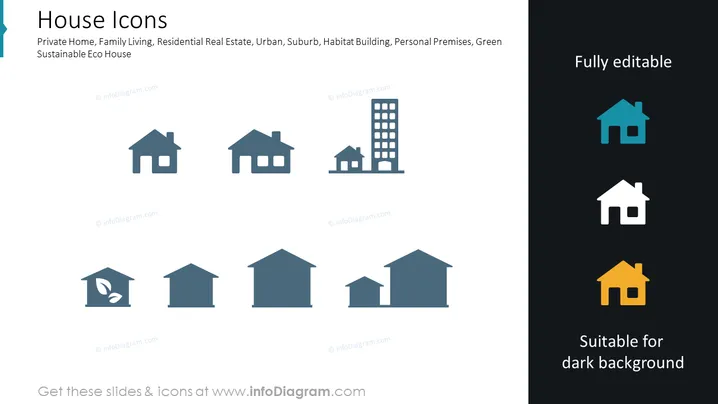
The PowerPoint slide titled "House Icons" includes various icon representations of homes and buildings, signifying different types of residential living spaces such as Private Home, Family Living, Residential Real Estate, Urban and Suburb dwellings, Habitat Building, Personal Premises, and Green Sustainable Eco House. These icons are illustrative symbols that depict the diversity in housing options, ranging from individual homes to eco-friendly constructions, and are likely intended for visual aid in presentations relating to real estate, urban planning, and sustainability.
The slide is modern and minimalist, with a strong visual contrast between the two halves. It prioritizes clarity and versatility, allowing easy customization for various presentation needs.



