

Your graphics add a nice touch to my presentations and I recently used them for one of my all-hands meetings. Your toolbox adds professionalism to my slides. Instead of using standard clipart.
Claude Jones, Director of Engineer, @Walmartlabs, USA

Your graphics add a nice touch to my presentations and I recently used them for one of my all-hands meetings. Your toolbox adds professionalism to my slides. Instead of using standard clipart.
Claude Jones, Director of Engineer, @Walmartlabs, USA
I needed a fresh look at some of my slides. I've tried to find a way to create a paintbrush effect, to underline, accentuate, add some color and the handwritten markers were just the things. Very easy to use, easy to size, change the color. It was an affordable, perfect solution and I'm happy to recommend it.
Anonymous, US
The crisp, clean look of the graphics, and the fact that it allowed me to easily edit and change the colors to match the template was my main reason for purchasing them.
Brandie Jenkins, E-learning Developer, USA
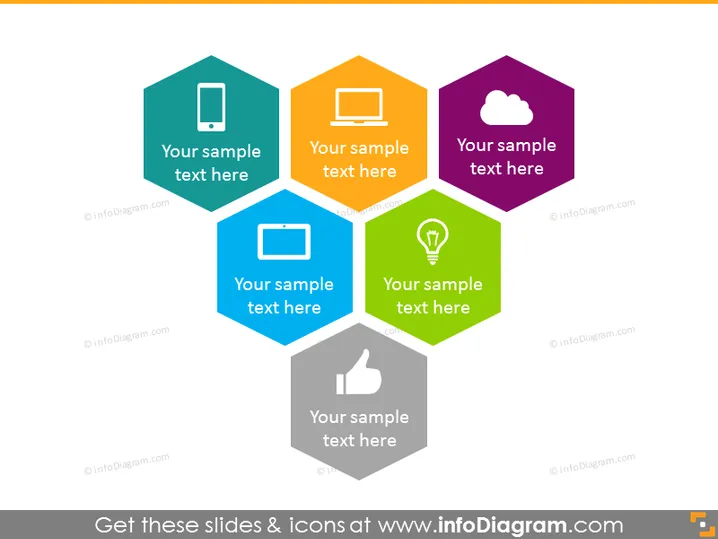
This image depicts a PowerPoint slide featuring a hexagonal pattern with various icons and placeholder text. Each hexagon symbolizes a concept or element, like mobile technology, personal computing, cloud services, multimedia, idea generation, and social approval. Mobile technology is often represented by a smartphone icon to indicate its role in modern communication. The personal computing icon with a monitor suggests the ubiquitous presence of computers in everyday life. Cloud services are depicted with a cloud symbol, referring to internet-based computing resources. The multimedia element is signified by a tablet icon, relating to interactive content consumption. Idea generation is represented by a light bulb, a classic metaphor for innovation and creativity. Lastly, the thumbs-up icon embodies social approval, commonly associated with satisfaction or agreement in digital platforms.
The slide has a modern, clean design with vibrant colors that draw attention to each hexagon. The icons are simplistic and easily recognizable, conveying the intended themes effectively.



