

Your graphics add a nice touch to my presentations and I recently used them for one of my all-hands meetings. Your toolbox adds professionalism to my slides. Instead of using standard clipart.
Claude Jones, Director of Engineer, @Walmartlabs, USA

Your graphics add a nice touch to my presentations and I recently used them for one of my all-hands meetings. Your toolbox adds professionalism to my slides. Instead of using standard clipart.
Claude Jones, Director of Engineer, @Walmartlabs, USA
I needed a fresh look at some of my slides. I've tried to find a way to create a paintbrush effect, to underline, accentuate, add some color and the handwritten markers were just the things. Very easy to use, easy to size, change the color. It was an affordable, perfect solution and I'm happy to recommend it.
Anonymous, US
The crisp, clean look of the graphics, and the fact that it allowed me to easily edit and change the colors to match the template was my main reason for purchasing them.
Brandie Jenkins, E-learning Developer, USA
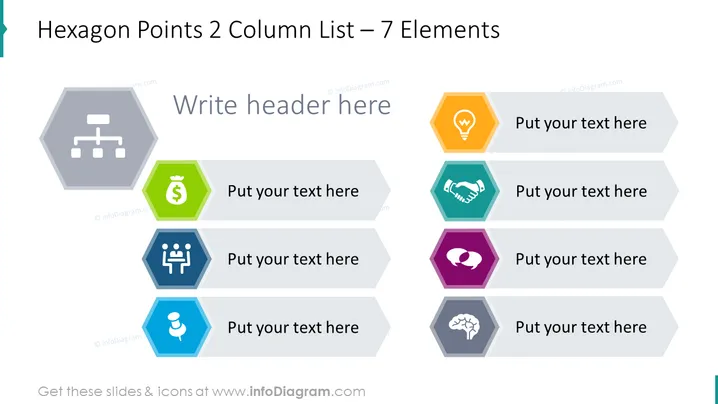
The slide presents a two-column list with seven elements using hexagons to represent various concepts that could pertain to a business or process. For instance, a hexagon with a hierarchy icon could symbolize organizational structure; a hexagon with a light bulb could denote new ideas; a handshake icon might be for partnerships and collaboration; a figure with speech bubbles could symbolize communication or customer service; a dollar sign could represent financial aspects; a group of figures could mean teamwork or community; and a hexagon with a brain could signify knowledge or expertise.
The slide has a clean, modern look, using vibrant colors and simple geometric shapes to create an organized presentation of information. The icons within the hexagons are minimalist and universally recognizable, which aids in conveying key concepts swiftly.



