

Your graphics add a nice touch to my presentations and I recently used them for one of my all-hands meetings. Your toolbox adds professionalism to my slides. Instead of using standard clipart.
Claude Jones, Director of Engineer, @Walmartlabs, USA

Your graphics add a nice touch to my presentations and I recently used them for one of my all-hands meetings. Your toolbox adds professionalism to my slides. Instead of using standard clipart.
Claude Jones, Director of Engineer, @Walmartlabs, USA
I needed a fresh look at some of my slides. I've tried to find a way to create a paintbrush effect, to underline, accentuate, add some color and the handwritten markers were just the things. Very easy to use, easy to size, change the color. It was an affordable, perfect solution and I'm happy to recommend it.
Anonymous, US
The crisp, clean look of the graphics, and the fact that it allowed me to easily edit and change the colors to match the template was my main reason for purchasing them.
Brandie Jenkins, E-learning Developer, USA
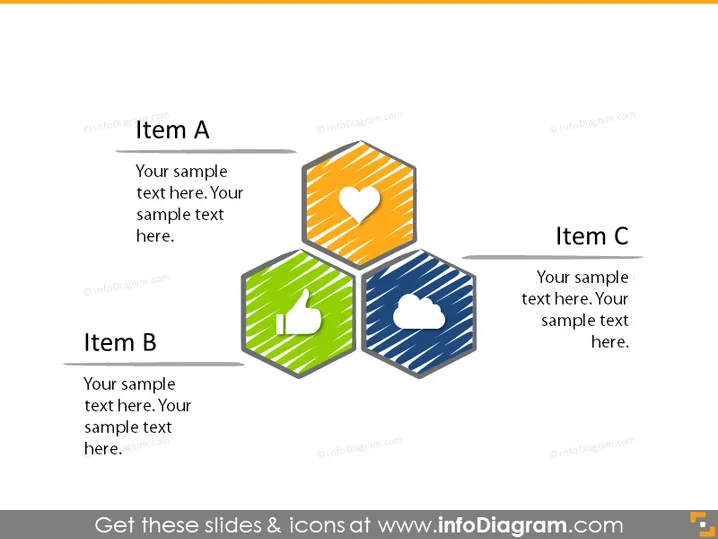
The PowerPoint slide presents three items labeled A, B, and C, each associated with a distinct hexagon icon and a space for descriptive text. Item A features a heart symbol indicating a possible focus on well-being or customer satisfaction. Item B shows a thumbs-up icon which could signify approval or positive feedback. Item C is marked with a cloud graphic, perhaps reflecting cloud services or data storage topics.
The overall design is simple and modern, using icons within hexagons to visually represent the concepts associated with each item. The use of icons helps to communicate ideas quickly and effectively.
The PowerPoint slide is designed to outline three connected concepts, labeled Item A, B, and C, with designated areas for supplementary descriptions. Item A, paired with a heart icon, might represent a concept related to health, love, or passion. Item B is linked with a thumbs-up icon, possibly conveying approval, quality, or popularity. Item C, associated with a cloud symbol, could indicate cloud computing, online services, or accessibility.
The slide has a modern and professional look, employing color-coded hexagons and universally recognizable symbols to clearly communicate different ideas or topics.



