
Reviews
Your graphics add a nice touch to my presentations and I recently used them for one of my all-hands meetings. Your toolbox adds professionalism to my slides. Instead of using standard clipart.
I needed a fresh look at some of my slides. I've tried to find a way to create a paintbrush effect, to underline, accentuate, add some color and the handwritten markers were just the things. Very easy to use, easy to size, change the color. It was an affordable, perfect solution and I'm happy to recommend it.
The crisp, clean look of the graphics, and the fact that it allowed me to easily edit and change the colors to match the template was my main reason for purchasing them.
Description
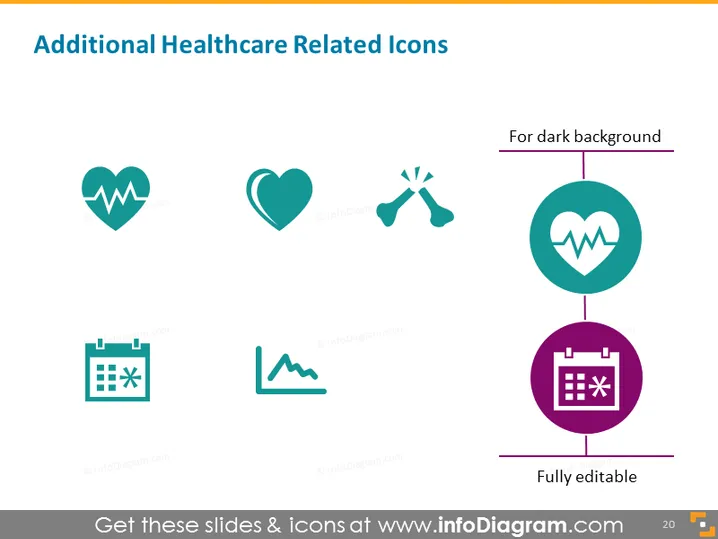
Additional Healthcare Related Icons
Slide Content
The PowerPoint slide "Additional Healthcare Related Icons" appears to be part of a larger presentation, potentially focused on healthcare systems, medical concepts, or health-related technology. The slide contains six graphical icons, each representing various aspects of healthcare: a heart with heartbeat line indicating heart health or cardiology, a solid heart symbolizing love or care, scissors to represent surgery or medical tools, a heart within a circle designed for visibility on dark backgrounds, a calendar with a star denoting important dates or appointments, and a mountain peak line implying progress or challenges in health journeys. Each of these icons is a visual distillation of complex healthcare concepts.
Graphical Look
- The slide has a clean, uncluttered layout with a white background.
- Six icons are displayed in two rows, with three icons in each row; the icons have a flat, stylized design.
- The color palette consists of teal, green, and purple shades, providing a professional and calming aesthetic.
- Each icon is placed inside a simple, rounded shape – circles for the first five and squared circles for the last two icons.
- Descriptive text is minimal, with only the header, subtext for specific icons, and an indicator for the adaptability of icons in different background contexts.
- The icons are uniformly spaced, giving the slide a balanced and harmonious composition.
- The headers for the two specific icons are aligned to the right, with a thin line connecting them to their respective icons.
The overall look of the slide is modern and professional, with an emphasis on visual simplicity and ease of comprehension. The minimal text is smartly positioned, allowing the icons themselves to catch the viewer's attention.
Use Cases
- To visually enhance segments of a healthcare presentation dealing with different services or departments.
- As part of informational material to communicate healthcare processes or areas of focus to both professional and non-professional audiences.
- Within digital or printed brochures to highlight key features or specializations of a healthcare provider or facility.
- In educational settings, such as medical training or public health workshops, to quickly convey various health-related topics or practices.
How to Edit
How to edit text & colors

How to expand / shorten diagram

How to Replace Icons in infoDiagram PPT


