
Reviews
Sus gráficos añaden un toque agradable a mis presentaciones y recientemente los usé para una de mis reuniones generales. Su conjunto de herramientas añade profesionalismo a mis diapositivas. En lugar de usar imágenes prediseñadas estándar.
Necesitaba un aspecto fresco para algunas de mis diapositivas. Había intentado encontrar una forma de crear un efecto de pincel, de subrayar, acentuar, añadir algo de color y los marcadores escritos a mano fueron justo lo que necesitaba. Muy fácil de usar, fácil de ajustar el tamaño, cambiar el color. Fue una solución asequible y perfecta, y estoy feliz de recomendarla.
El aspecto nítido y limpio de los gráficos, y el hecho de que me permitiera editar y cambiar fácilmente los colores para que coincidieran con la plantilla fue mi principal razón para comprarlos.
Description
Hardware, Water, Fire Icons
Slide Content
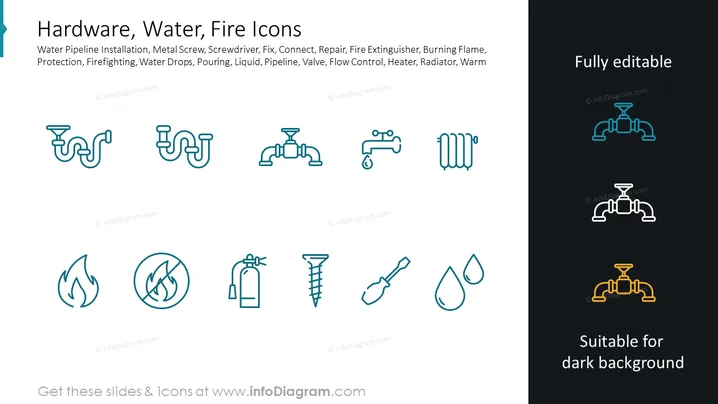
The PowerPoint slide is titled "Hardware, Water, Fire Icons" and includes icons representing various elements such as water pipeline installation, metal screws, screwdrivers, piping connections, repairs, fire extinguishers, burning flames, water droplets, pouring actions, liquid, valves, flow control systems, heaters, and radiators. Each icon is a visual representation of the item or action it stands for, providing an immediate understanding of hardware, water-related infrastructure, and fire safety elements and tools.
Graphical Look
- Two columns of icons, one larger on the left, and a smaller one on the right showcasing how icons look on a dark background.
- Each icon is a line drawing with a simple, clean, and modern style.
- The icons are organized in two vertical sets of 4 on the left, arranged in a grid pattern with consistent spacing.
- Three icons on the right, each with a dual color scheme, showing how the icons can be adapted to different background colors
- The slide has a light background, with the exception of the right column, which is dark to demonstrate icon visibility on different backgrounds.
- Text to the right specifies the icons are "Fully editable" and "Suitable for dark background".
The slide has a minimalistic design with a clear visual hierarchy that emphasizes the icons. The color contrast between the icons and their backgrounds highlights their adaptability to different presentation styles.
Use Cases
- To illustrate various technical and functional aspects in instructional materials for hardware installation or repair workshops.
- In safety training presentations to identify equipment and procedures for fire prevention and response.
- During product or service demonstrations to showcase the features and applications of hardware or plumbing-related products.
- As visual aids in marketing materials to represent the scope of services offered by plumbing, HVAC, or fire safety companies.
How to Edit
How to edit text & colors

How to expand / shorten diagram

How to Replace Icons in infoDiagram PPT


