
Reviews
Sus gráficos añaden un toque agradable a mis presentaciones y recientemente los usé para una de mis reuniones generales. Su conjunto de herramientas añade profesionalismo a mis diapositivas. En lugar de usar imágenes prediseñadas estándar.
Necesitaba un aspecto fresco para algunas de mis diapositivas. Había intentado encontrar una forma de crear un efecto de pincel, de subrayar, acentuar, añadir algo de color y los marcadores escritos a mano fueron justo lo que necesitaba. Muy fácil de usar, fácil de ajustar el tamaño, cambiar el color. Fue una solución asequible y perfecta, y estoy feliz de recomendarla.
El aspecto nítido y limpio de los gráficos, y el hecho de que me permitiera editar y cambiar fácilmente los colores para que coincidieran con la plantilla fue mi principal razón para comprarlos.
Description
Icons: Christmas Decoration
Slide Content
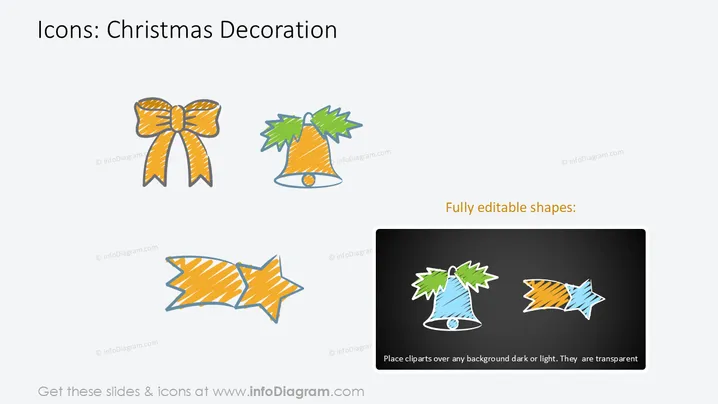
The PowerPoint slide showcases a series of colorful Christmas-themed icons. These include a golden bow and a bell with green foliage. Each icon represents a typical element associated with holiday decorations: the bow often used to adorn gifts, symbolizing the act of giving, and the bell represents the common holiday decor, sometimes associated with the announcement of significant events.
Graphical Look
- A plain white background provides a neutral canvas for the content.
- At the top, there's a text title in a large, bold font.
- The slide is divided into two sections with Christmas decoration icons on the left and a dark rectangle on the right displaying the same icons in an inverted color scheme.
- There are two icons on the left: an orange and yellow bow at the top and a green and orange bell with holly at the bottom.
- The dark rectangle on the right includes the phrase "Fully editable shapes:" and shows how the icons appear on a dark background, illustrating their adaptability and transparent qualities.
- A smaller text beneath the dark rectangle explains that the cliparts can be used on any background, emphasizing their versatile design.
The slide is simple, visually clean, and well-organized, making the content easily accessible. The use of contrasting backgrounds effectively demonstrates the flexibility of the graphical elements.
Use Cases
- To enhance the visual appeal of holiday-themed business presentations with relevant icons.
- In marketing materials to promote Christmas sales or holiday events.
- Within email signatures or newsletters during the holiday season to share festive cheer.
- As a part of the user interface in apps or websites focused on holiday planning, decorations, or e-commerce.
How to Edit
How to edit text & colors

How to expand / shorten diagram

How to Replace Icons in infoDiagram PPT


