

Your graphics add a nice touch to my presentations and I recently used them for one of my all-hands meetings. Your toolbox adds professionalism to my slides. Instead of using standard clipart.
Claude Jones, Director of Engineer, @Walmartlabs, USA

Your graphics add a nice touch to my presentations and I recently used them for one of my all-hands meetings. Your toolbox adds professionalism to my slides. Instead of using standard clipart.
Claude Jones, Director of Engineer, @Walmartlabs, USA
I needed a fresh look at some of my slides. I've tried to find a way to create a paintbrush effect, to underline, accentuate, add some color and the handwritten markers were just the things. Very easy to use, easy to size, change the color. It was an affordable, perfect solution and I'm happy to recommend it.
Anonymous, US
The crisp, clean look of the graphics, and the fact that it allowed me to easily edit and change the colors to match the template was my main reason for purchasing them.
Brandie Jenkins, E-learning Developer, USA
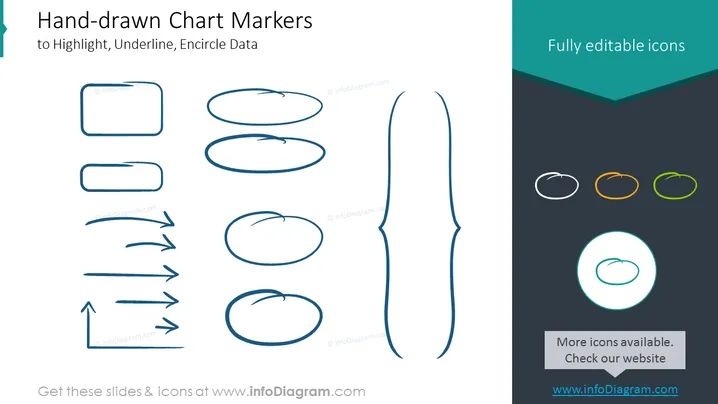
The slide demonstrates a range of hand-drawn graphical elements known as chart markers that can be used to highlight, underline, or encircle important data points in presentations. These sketch-like shapes include rectangles, ovals, arrows, and lines. Each element serves a different purpose for emphasizing information; rectangles can frame key text, ovals might spotlight data points, arrows can show direction or connecting points, and lines are commonly used for underlining.
The slide has a minimalist and artistic design, with the hand-drawn elements providing a casual yet professional aesthetic. The contrast between the large, monochrome markers on the left and the smaller, colorful ones on the right draws the eye and emphasizes the customizability of the elements.



