
Reviews
Ihre Grafiken verleihen meinen Präsentationen eine nette Note, und ich habe sie kürzlich für eines meiner All-Hands-Meetings verwendet. Ihre Toolbox verleiht meinen Folien Professionalität, anstatt Standard-Clipart zu verwenden.
Ich brauchte einen neuen Blick auf einige meiner Folien. Ich habe versucht, einen Weg zu finden, einen Pinselschlag-Effekt zu erzielen, um zu unterstreichen, hervorzuheben, Farbe hinzuzufügen, und die handgeschriebenen Markierungen waren genau das Richtige. Sehr einfach zu bedienen, leicht in der Größe zu ändern, die Farbe zu ändern. Es war eine erschwingliche, perfekte Lösung und ich empfehle sie gerne weiter.
Die klare, saubere Optik der Grafiken und die Tatsache, dass ich die Farben leicht bearbeiten und an die Vorlage anpassen konnte, war mein Hauptgrund für den Kauf.
Description
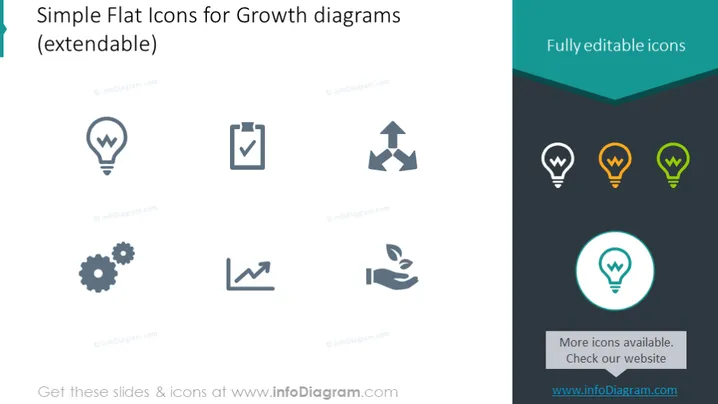
Simple Flat Icons for Growth diagrams (extendable)
Slide Content
This slide presents a collection of simple flat icons designed for illustrating growth diagrams. These icons are easily extendable and fully editable, indicating they can be modified to fit varying presentation themes. The icons include a lightbulb for ideas, a clipboard with a checkmark for completed tasks, arrows showing direction or movement, gears for processes or systems, a line graph indicating growth or progress, and a hand nurturing a plant for care and development.
Graphical Look
- A minimalist color scheme primarily using shades of grey, with accents in teal and orange to highlight certain elements.
- Six icons in two rows, each icon accompanied by a descriptive caption, emphasizing simplicity and modularity.
- The icons feature soft edges and are surrounded by ample white space, contributing to the slide's uncluttered look.
- The lightbulb icon is repeated to the right, enlarged and highlighted with a circle, signifying its importance or the focus on innovation.
- A banner at the top right corner of the slide states "Fully editable icons," clearly communicating their customizable nature.
- A subtle shadow effect beneath the icons adds a sense of depth without overwhelming the clean design.
The overall look of the slide is modern and professional, with a clean design that makes the information easily accessible and understandable. The use of flat design and limited color keeps the focus on the icons themselves.
Use Cases
- To visually represent different stages or elements of business growth and development in a presentation.
- As part of an infographic slide within a broader business strategy or progress report.
- To enhance visual communication in educational materials for workshops or training sessions on business concepts.
- In marketing materials to symbolically represent the features or benefits of a product or service.
How to Edit
How to edit text & colors

How to expand / shorten diagram

How to Replace Icons in infoDiagram PPT


