

Your graphics add a nice touch to my presentations and I recently used them for one of my all-hands meetings. Your toolbox adds professionalism to my slides. Instead of using standard clipart.
Claude Jones, Director of Engineer, @Walmartlabs, USA

Your graphics add a nice touch to my presentations and I recently used them for one of my all-hands meetings. Your toolbox adds professionalism to my slides. Instead of using standard clipart.
Claude Jones, Director of Engineer, @Walmartlabs, USA
I needed a fresh look at some of my slides. I've tried to find a way to create a paintbrush effect, to underline, accentuate, add some color and the handwritten markers were just the things. Very easy to use, easy to size, change the color. It was an affordable, perfect solution and I'm happy to recommend it.
Anonymous, US
The crisp, clean look of the graphics, and the fact that it allowed me to easily edit and change the colors to match the template was my main reason for purchasing them.
Brandie Jenkins, E-learning Developer, USA
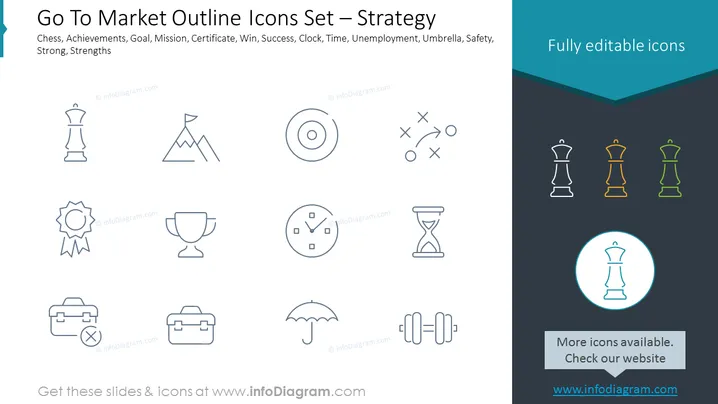
The PowerPoint slide is focused on providing an array of icons representing strategic concepts for going to market, which includes metaphors such as Chess representing strategy and foresight; Achievements symbolized by a mountain peak representing success; Goal depicted as a target; Mission indicated by crossed briefcases symbolizing objectives; Certificate as a symbol of accreditation; Win represented by a trophy; Success illustrated by a clock representing timely achievements; Clock indicating time management; Time portrayed as an hourglass representing deadlines; Unemployment shown through crossed briefcases highlighting job loss; Umbrella symbolizing protection and safety; Safety expressed as an umbrella for protection; Strong depicted by weights representing strength; and Strengths symbolized by multiple weights indicating competitive advantages.
The overall visual composition is minimalistic and informative, using icons as visual anchors for each concept, supported by brief descriptive labels. The slide employs a consistent color scheme and simple graphics to focus on clarity and ease of understanding.



