

Your graphics add a nice touch to my presentations and I recently used them for one of my all-hands meetings. Your toolbox adds professionalism to my slides. Instead of using standard clipart.
Claude Jones, Director of Engineer, @Walmartlabs, USA

Your graphics add a nice touch to my presentations and I recently used them for one of my all-hands meetings. Your toolbox adds professionalism to my slides. Instead of using standard clipart.
Claude Jones, Director of Engineer, @Walmartlabs, USA
I needed a fresh look at some of my slides. I've tried to find a way to create a paintbrush effect, to underline, accentuate, add some color and the handwritten markers were just the things. Very easy to use, easy to size, change the color. It was an affordable, perfect solution and I'm happy to recommend it.
Anonymous, US
The crisp, clean look of the graphics, and the fact that it allowed me to easily edit and change the colors to match the template was my main reason for purchasing them.
Brandie Jenkins, E-learning Developer, USA
(extendable)
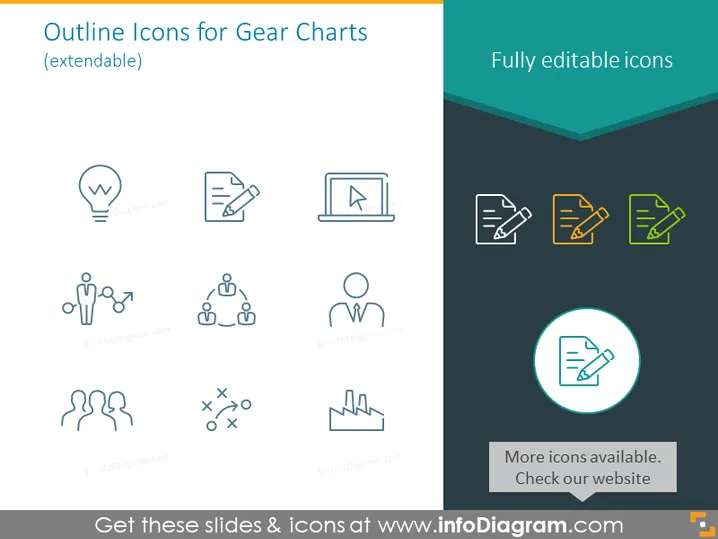
The PowerPoint slide showcases a collection of icons designed to enhance gear charts, providing visual aids for presentations. It highlights that the icons are "fully editable," indicating that they can be tailored to suit the specific needs of a presentation. The selection includes a lightbulb, symbolizing ideas or innovation; a document with a corner fold, representing reports or documentation; and a laptop with a cursor, indicative of technology or online content. The icons also feature human figures in various configurations, denoting teamwork, communication, and hierarchy, as well as abstract symbols such as factory smokestacks and strategic planning icons, all conveying various business processes or concepts.
The slide has a clean and modern design with a simple color scheme that emphasizes readability and professional appearance. The icons are minimalistic, aiding the quick conveyance of complex ideas without overwhelming the viewer.



