
Reviews
The icons are fantastic, easy to use, and will add value to any project or presentation. Keep up the great work.
I love how simple infoDiagram's solutions are and the personal interest they took in my work. Recommended 1000%!
The crisp, clean look of the graphics, and the fact that it allowed me to easily edit and change the colors to match the template was my main reason for purchasing them.
Description
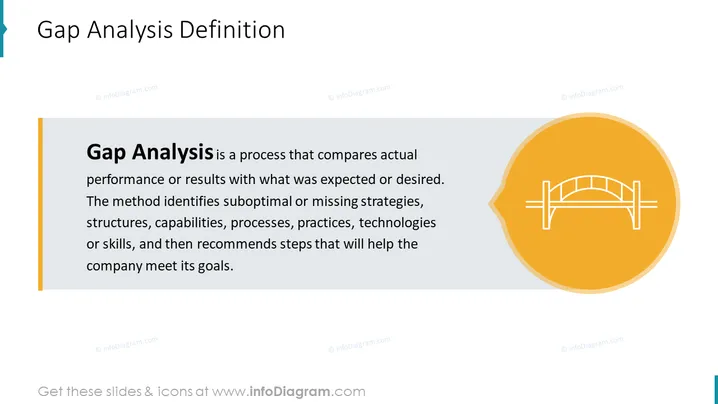
Gap Analysis Definition
Slide Content:
- Gap analysis is a process that compares actual performance or results with what was expected or desired.
- The method identifies suboptimal or missing strategies, structures, capabilities, processes, practices, technologies, or skills.
- It then recommends steps that will help the company meet its goals.
Graphical Look:
- The slide has a simple, yet effective design.
- The background is white and the text is black.
- There is a single graphical element on the slide, which is a bridge icon.
- The overall tone of the slide is professional and businesslike.
Analysis of slide visual composition, colors, and icons:
- The slide is well-balanced, with the text and graphical element evenly spaced.
- The bridge icon is a good symbol for gap analysis, as it represents the need to bridge the gap between the current state and the desired state.
- The orange color of the bridge icon is calming and professional.
- The overall visual composition of the slide is simple and straightforward, which makes it easy to read and understand.
How to Edit
How to edit text & colors

How to expand / shorten diagram

How to Replace Icons in infoDiagram PPT


