

Your graphics add a nice touch to my presentations and I recently used them for one of my all-hands meetings. Your toolbox adds professionalism to my slides. Instead of using standard clipart.
Claude Jones, Director of Engineer, @Walmartlabs, USA

Your graphics add a nice touch to my presentations and I recently used them for one of my all-hands meetings. Your toolbox adds professionalism to my slides. Instead of using standard clipart.
Claude Jones, Director of Engineer, @Walmartlabs, USA
I needed a fresh look at some of my slides. I've tried to find a way to create a paintbrush effect, to underline, accentuate, add some color and the handwritten markers were just the things. Very easy to use, easy to size, change the color. It was an affordable, perfect solution and I'm happy to recommend it.
Anonymous, US
The crisp, clean look of the graphics, and the fact that it allowed me to easily edit and change the colors to match the template was my main reason for purchasing them.
Brandie Jenkins, E-learning Developer, USA
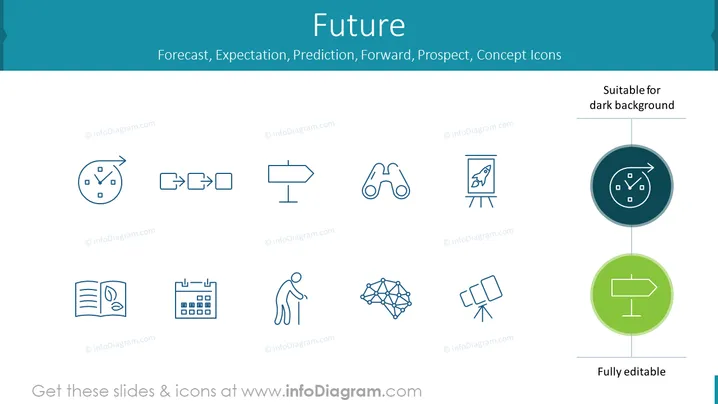
The slide titled "Future" includes a series of icons representing different aspects associated with forecasting and planning. Each icon represents a unique concept: a clock with arrows might signify the passage of time or urgency; sequential arrows could represent process or progression; a directional signpost might suggest direction or guidance; binoculars could indicate looking ahead or foresight; a canvas on an easel with a rocket might symbolize setting goals or envisioning success; a book with a leaf implies gaining knowledge or learning from the past; a calendar represents planning or scheduling; a figure with a cane suggests support or stability perhaps in the context of long-term planning; a network diagram could signify interconnected plans or complexity; two megaphones or loudspeakers imply communication or announcements about the future; and another directional signpost reinforces the theme of guidance or choices to be made.
The slide's visual style is minimalistic and professional with a balanced use of whitespace and contrast The visual style of the slide is minimalistic and professional, utilizing whitespace effectively for a clean look. The icons are well-defined and easily interpretable, creating a visually engaging presentation of the topic.



