

Your graphics add a nice touch to my presentations and I recently used them for one of my all-hands meetings. Your toolbox adds professionalism to my slides. Instead of using standard clipart.
Claude Jones, Director of Engineer, @Walmartlabs, USA

Your graphics add a nice touch to my presentations and I recently used them for one of my all-hands meetings. Your toolbox adds professionalism to my slides. Instead of using standard clipart.
Claude Jones, Director of Engineer, @Walmartlabs, USA
I needed a fresh look at some of my slides. I've tried to find a way to create a paintbrush effect, to underline, accentuate, add some color and the handwritten markers were just the things. Very easy to use, easy to size, change the color. It was an affordable, perfect solution and I'm happy to recommend it.
Anonymous, US
The crisp, clean look of the graphics, and the fact that it allowed me to easily edit and change the colors to match the template was my main reason for purchasing them.
Brandie Jenkins, E-learning Developer, USA
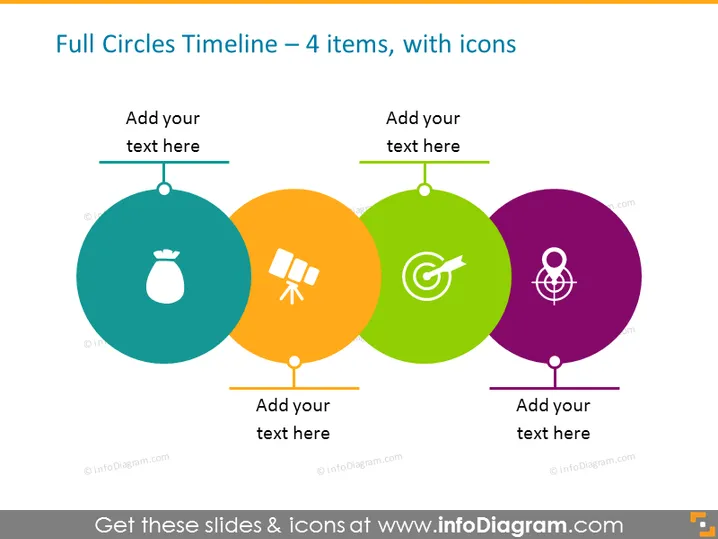
The PowerPoint slide is meant to visualize a timeline with four distinct items, each represented by a full circle and an accompanying icon. These colored circles are arranged horizontally and connected linearly to denote a sequence or progression. The first circle contains an icon of a money bag, typically symbolizing finance or savings. The second has a satellite icon, possibly representing technology or communication. The third circle contains a target icon, which might imply goals or accuracy. The final circle features an atomic icon, potentially indicating science or energy. Each circle also has a space labeled "Add your text here," suggesting that the presenter can customize the slide content according to specific details of the timeline they are depicting.
The overall look is colorful, engaging, and easy to interpret. The design is modern and professional, suitable for conveying timeline information in a clear and organized manner.



