

Your graphics add a nice touch to my presentations and I recently used them for one of my all-hands meetings. Your toolbox adds professionalism to my slides. Instead of using standard clipart.
Claude Jones, Director of Engineer, @Walmartlabs, USA

Your graphics add a nice touch to my presentations and I recently used them for one of my all-hands meetings. Your toolbox adds professionalism to my slides. Instead of using standard clipart.
Claude Jones, Director of Engineer, @Walmartlabs, USA
I needed a fresh look at some of my slides. I've tried to find a way to create a paintbrush effect, to underline, accentuate, add some color and the handwritten markers were just the things. Very easy to use, easy to size, change the color. It was an affordable, perfect solution and I'm happy to recommend it.
Anonymous, US
The crisp, clean look of the graphics, and the fact that it allowed me to easily edit and change the colors to match the template was my main reason for purchasing them.
Brandie Jenkins, E-learning Developer, USA
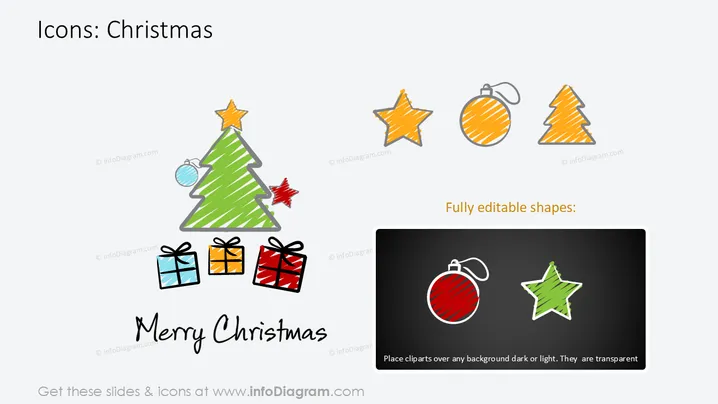
This PowerPoint slide is titled "Icons: Christmas" and presents a collection of festive icons, which includes a Christmas tree, star, bauble, and gifts, typically associated with the holiday season. These icons are meant to symbolize various aspects of Christmas traditions, such as decoration (Christmas tree, star, bauble) and gift-giving (wrapped presents). There's also a note specifying that the shapes are fully editable, suggesting that they can be customized to suit different presentation styles or themes. A text box indicates that these icons can be placed over any background as they are transparent.
This slide has a festive and playful feel, with colorful, hand-drawn icons that are engaging and easily recognizable. The graphical elements are arranged in a balanced manner that makes the slide aesthetically pleasing and easy to comprehend.



