

Your graphics add a nice touch to my presentations and I recently used them for one of my all-hands meetings. Your toolbox adds professionalism to my slides. Instead of using standard clipart.
Claude Jones, Director of Engineer, @Walmartlabs, USA

Your graphics add a nice touch to my presentations and I recently used them for one of my all-hands meetings. Your toolbox adds professionalism to my slides. Instead of using standard clipart.
Claude Jones, Director of Engineer, @Walmartlabs, USA
I needed a fresh look at some of my slides. I've tried to find a way to create a paintbrush effect, to underline, accentuate, add some color and the handwritten markers were just the things. Very easy to use, easy to size, change the color. It was an affordable, perfect solution and I'm happy to recommend it.
Anonymous, US
The crisp, clean look of the graphics, and the fact that it allowed me to easily edit and change the colors to match the template was my main reason for purchasing them.
Brandie Jenkins, E-learning Developer, USA
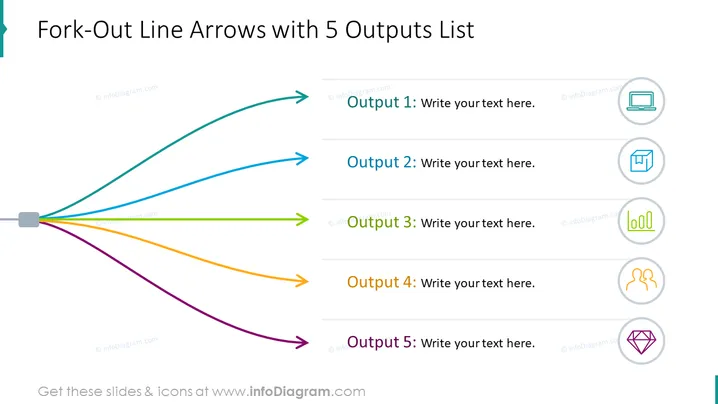
The PowerPoint slide titled "Fork-Out Line Arrows with 5 Outputs List" presents a diagram depicting a central hub with five differently colored arrows extending to unique outputs. Each arrow is associated with a space for text to describe its respective output, suggesting that the diagram is used to illustrate the distribution or branching out of a concept or resource to multiple areas. Output 1 might be related to the primary result, while Outputs 2 to 5 could represent subsequent or less prioritized results.
The slide has a clean and modern aesthetic, using color-coding to distinguish between different outputs. The design is clear and straightforward, with ample space for customization to suit various presentation needs.



