

Your graphics add a nice touch to my presentations and I recently used them for one of my all-hands meetings. Your toolbox adds professionalism to my slides. Instead of using standard clipart.
Claude Jones, Director of Engineer, @Walmartlabs, USA

Your graphics add a nice touch to my presentations and I recently used them for one of my all-hands meetings. Your toolbox adds professionalism to my slides. Instead of using standard clipart.
Claude Jones, Director of Engineer, @Walmartlabs, USA
I needed a fresh look at some of my slides. I've tried to find a way to create a paintbrush effect, to underline, accentuate, add some color and the handwritten markers were just the things. Very easy to use, easy to size, change the color. It was an affordable, perfect solution and I'm happy to recommend it.
Anonymous, US
The crisp, clean look of the graphics, and the fact that it allowed me to easily edit and change the colors to match the template was my main reason for purchasing them.
Brandie Jenkins, E-learning Developer, USA
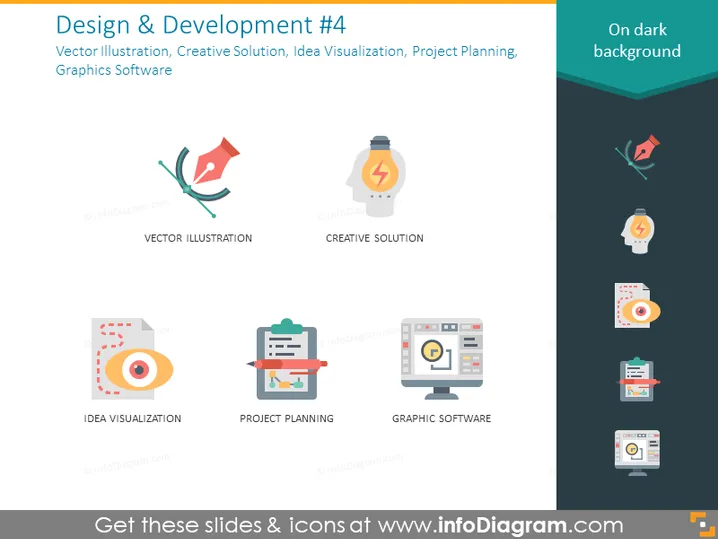
This PowerPoint slide, titled "Design & Development #4," focuses on aspects of the design process, presenting them as four separate components. "Vector Illustration" likely refers to creating digital graphics with paths and shapes for scalability without loss of quality. "Creative Solution" implies finding innovative approaches or ideas for design challenges. "Idea Visualization" could mean representing concepts or processes visually to aid understanding or to prototype designs. "Project Planning" suggests organizing the timeline, scope, and resources for a design project. "Graphic Software" refers to the computer applications used to create or edit visual content.
The slide has a clean, contemporary aesthetic with a professional feel due to the color contrast and the use of flat design for the icons.



