
Reviews
Your graphics add a nice touch to my presentations and I recently used them for one of my all-hands meetings. Your toolbox adds professionalism to my slides. Instead of using standard clipart.
I needed a fresh look at some of my slides. I've tried to find a way to create a paintbrush effect, to underline, accentuate, add some color and the handwritten markers were just the things. Very easy to use, easy to size, change the color. It was an affordable, perfect solution and I'm happy to recommend it.
The crisp, clean look of the graphics, and the fact that it allowed me to easily edit and change the colors to match the template was my main reason for purchasing them.
Description
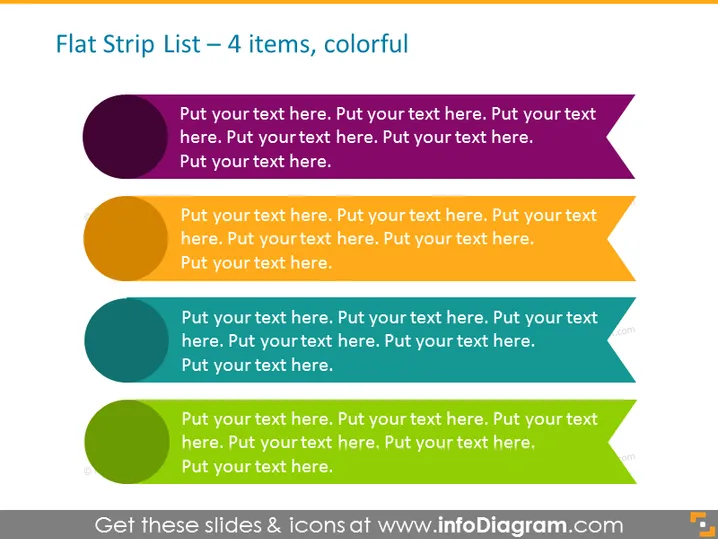
Flat Strip List – 4 items, colorful
Slide Content
The slide illustrates a list format that's meant to showcase four distinct items or concepts. Each item is represented with a colored circle, an arrow extending to the right, and a placeholder text that encourages the viewer to insert their own content. The visualization strategy applied here simplifies the conveyance of sequential or non-sequential information that can be easily digested by an audience.
Graphical Look
- Four horizontal list elements, each consisting of a colored circle followed by an arrow pointing right, representing a sequential flow.
- Each arrow is a different color, following a gradient from dark at the top to lighter at the bottom.
- The arrows contain placeholder text which implies customization to fit specific content.
- The background is a simple, flat white, putting the focus on the colorful list elements.
The slide is vibrant and eye-catching, with a clean and straightforward design that facilitates easy reading and comprehension. The use of varying colors helps to differentiate between the listed items.
Use Cases
- To outline steps in a process during a corporate training or instructional presentation.
- To summarize key points of a project or strategy in a business meeting.
- To present a list of benefits or features of a product in a sales pitch.
- To visually break down components of a complex topic in an educational setting.
How to Edit
How to edit text & colors

How to expand / shorten diagram

How to Replace Icons in infoDiagram PPT


