

Your graphics add a nice touch to my presentations and I recently used them for one of my all-hands meetings. Your toolbox adds professionalism to my slides. Instead of using standard clipart.
Claude Jones, Director of Engineer, @Walmartlabs, USA

Your graphics add a nice touch to my presentations and I recently used them for one of my all-hands meetings. Your toolbox adds professionalism to my slides. Instead of using standard clipart.
Claude Jones, Director of Engineer, @Walmartlabs, USA
I needed a fresh look at some of my slides. I've tried to find a way to create a paintbrush effect, to underline, accentuate, add some color and the handwritten markers were just the things. Very easy to use, easy to size, change the color. It was an affordable, perfect solution and I'm happy to recommend it.
Anonymous, US
The crisp, clean look of the graphics, and the fact that it allowed me to easily edit and change the colors to match the template was my main reason for purchasing them.
Brandie Jenkins, E-learning Developer, USA
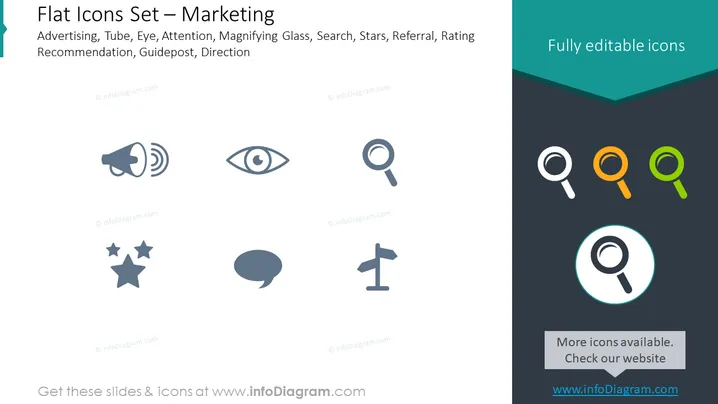
This PowerPoint slide is titled "Flat Icons Set – Marketing" and presents a collection of eight monochrome icons. Each icon represents a different marketing concept: Advertising is symbolized by a megaphone, suggesting the broadcasting of a message; Tube implies video or content sharing; Eye indicates visibility or attention; Attention is an exclamation point, implying importance or focus; Magnifying Glass suggests search or scrutiny; Search is represented by another style of magnifying glass; Stars represent ratings or quality; Referral indicates word-of-mouth or recommendations; and Rating Recommendation, Guidepost, and Direction are encapsulated by a group of stars, a speech bubble, and a directional signpost, respectively, indicating measures of success, communication, and navigation or strategy.
The slide has a simple, modern aesthetic with a clear emphasis on the icons. The arrangement of icons is symmetrical and visually balanced, making the slide easy to read and visually appealing.



