

Your graphics add a nice touch to my presentations and I recently used them for one of my all-hands meetings. Your toolbox adds professionalism to my slides. Instead of using standard clipart.
Claude Jones, Director of Engineer, @Walmartlabs, USA

Your graphics add a nice touch to my presentations and I recently used them for one of my all-hands meetings. Your toolbox adds professionalism to my slides. Instead of using standard clipart.
Claude Jones, Director of Engineer, @Walmartlabs, USA
I needed a fresh look at some of my slides. I've tried to find a way to create a paintbrush effect, to underline, accentuate, add some color and the handwritten markers were just the things. Very easy to use, easy to size, change the color. It was an affordable, perfect solution and I'm happy to recommend it.
Anonymous, US
The crisp, clean look of the graphics, and the fact that it allowed me to easily edit and change the colors to match the template was my main reason for purchasing them.
Brandie Jenkins, E-learning Developer, USA
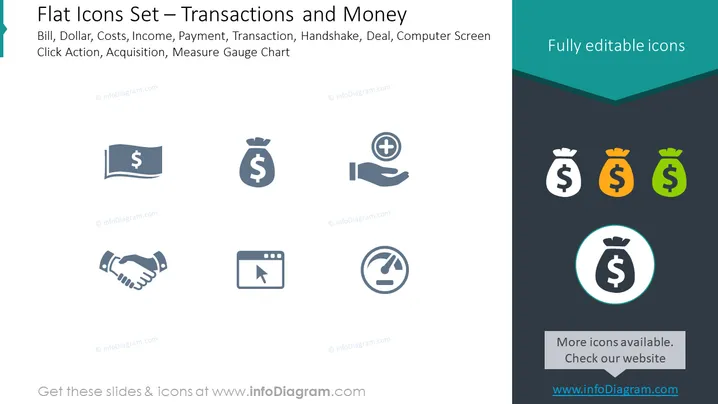
The slide presents a collection of flat icons related to financial transactions and money themes. Each icon signifies a different concept: Bills show earnings or expenses; a money bag represents savings, investments, or wealth; a hand with a plus sign indicates receiving money or financial aid; a handshake signifies agreements or partnerships; a browser window with a cursor highlights online transactions or digital actions; and a gauge chart depicts measurement of financial metrics or performance. These illustrations encapsulate various aspects of financial activity and transactions.
The slide has a clean and modern aesthetic, using flat design principles. The icons are easily recognizable and the color contrast draws attention to the highlighted features.



