

Your graphics add a nice touch to my presentations and I recently used them for one of my all-hands meetings. Your toolbox adds professionalism to my slides. Instead of using standard clipart.
Claude Jones, Director of Engineer, @Walmartlabs, USA

Your graphics add a nice touch to my presentations and I recently used them for one of my all-hands meetings. Your toolbox adds professionalism to my slides. Instead of using standard clipart.
Claude Jones, Director of Engineer, @Walmartlabs, USA
I needed a fresh look at some of my slides. I've tried to find a way to create a paintbrush effect, to underline, accentuate, add some color and the handwritten markers were just the things. Very easy to use, easy to size, change the color. It was an affordable, perfect solution and I'm happy to recommend it.
Anonymous, US
The crisp, clean look of the graphics, and the fact that it allowed me to easily edit and change the colors to match the template was my main reason for purchasing them.
Brandie Jenkins, E-learning Developer, USA
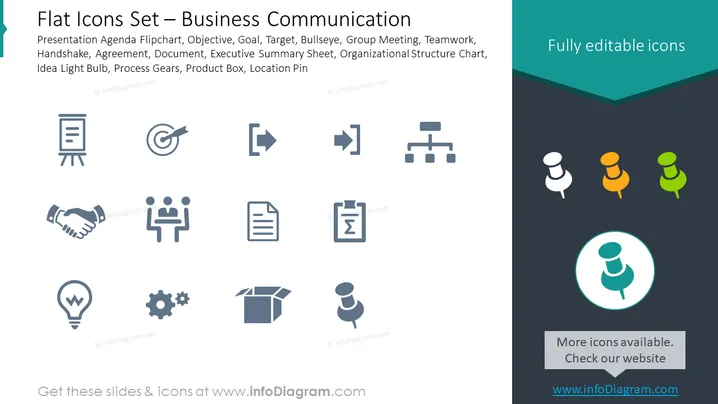
The slide titled "Flat Icons Set – Business Communication" features a selection of twelve icons representing various business and communication concepts. Each icon corresponds to a specific idea: Presentation Agenda Flipchart (planning or presenting information), Objective (setting goals or targets), Goal and Bullseye (achieving precise targets), Group Meeting and Teamwork (collaboration and staff interactions), Handshake and Agreement (forming partnerships or agreements), Document and Executive Summary Sheet (written communication and summarization of documents), Organizational Structure Chart (hierarchical relationships within an organization), Idea Light Bulb (creativity and innovation), Process Gears (operations and workflows), Product Box (tangible goods or packaging), and Location Pin (place or addressing system).
The slide presents a clean and modern aesthetic with a professional color scheme. The layout is structured and easy to follow, which facilitates quick identification and understanding of each icon.



