
Reviews
Ihre Grafiken verleihen meinen Präsentationen eine nette Note, und ich habe sie kürzlich für eines meiner All-Hands-Meetings verwendet. Ihre Toolbox verleiht meinen Folien Professionalität, anstatt Standard-Clipart zu verwenden.
Ich brauchte einen neuen Blick auf einige meiner Folien. Ich habe versucht, einen Weg zu finden, einen Pinselschlag-Effekt zu erzielen, um zu unterstreichen, hervorzuheben, Farbe hinzuzufügen, und die handgeschriebenen Markierungen waren genau das Richtige. Sehr einfach zu bedienen, leicht in der Größe zu ändern, die Farbe zu ändern. Es war eine erschwingliche, perfekte Lösung und ich empfehle sie gerne weiter.
Die klare, saubere Optik der Grafiken und die Tatsache, dass ich die Farben leicht bearbeiten und an die Vorlage anpassen konnte, war mein Hauptgrund für den Kauf.
Description
List Title
Slide Content
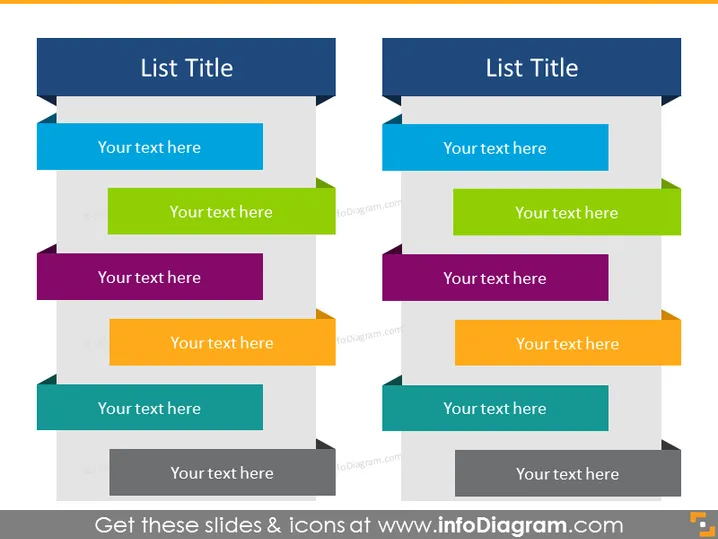
The slide presents a comparison layout with two columns, each headlined by "List Title." Each column features a vertical arrangement of five pairs of banners with placeholder text saying "Your text here." These pairs signify a clear path for comparing two sets of information, ideas, or items, with the left column presenting one set and the right presenting the corresponding or alternative set.
Graphical Look
- The slide background is white.
- Each column has a heading with dark background and white text.
- Colorful paired banners with a darker shade on the left or right edge, depending on the column, each containing white placeholder text.
- The banners are in alternating colors: blue, green, purple, yellow, and teal.
- There is a staggered shadow effect behind each color banner, providing a sense of depth.
- The banners have a flat, rectangular design, with an arrow extension on one end indicating a flow or sequence.
The slide has a modern, clean look with a color-coded graphical approach that allows for easy comparison of two lists. The shadow effects behind the banners add a visual distinction between elements.
Use Cases
- Comparing products or features side by side in a marketing presentation.
- Showcasing pros and cons of a decision in a strategy meeting.
- Outlining timelines or workflows for two different projects in a project management overview.
- Displaying competitive analysis with direct comparisons between two competing entities.
How to Edit
How to edit text & colors

How to expand / shorten diagram

How to Replace Icons in infoDiagram PPT


