

Your graphics add a nice touch to my presentations and I recently used them for one of my all-hands meetings. Your toolbox adds professionalism to my slides. Instead of using standard clipart.
Claude Jones, Director of Engineer, @Walmartlabs, USA

Your graphics add a nice touch to my presentations and I recently used them for one of my all-hands meetings. Your toolbox adds professionalism to my slides. Instead of using standard clipart.
Claude Jones, Director of Engineer, @Walmartlabs, USA
I needed a fresh look at some of my slides. I've tried to find a way to create a paintbrush effect, to underline, accentuate, add some color and the handwritten markers were just the things. Very easy to use, easy to size, change the color. It was an affordable, perfect solution and I'm happy to recommend it.
Anonymous, US
The crisp, clean look of the graphics, and the fact that it allowed me to easily edit and change the colors to match the template was my main reason for purchasing them.
Brandie Jenkins, E-learning Developer, USA
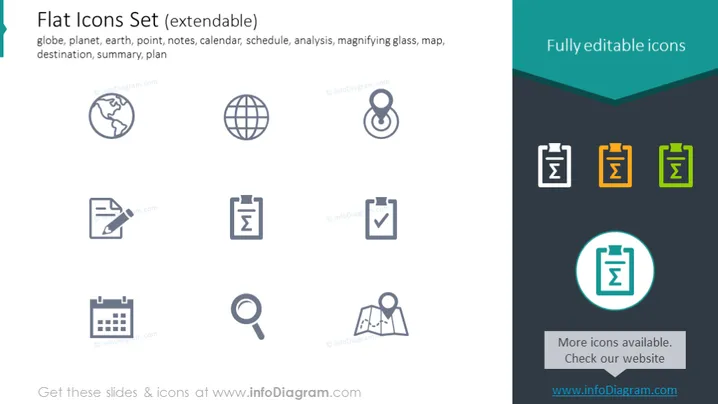
The slide presents a collection of flat icons with a title suggesting they are part of an extendable set. The icons include a globe, representing the planet or earth, which could signify international scope. There's a point icon likely for location marking, and a notes icon, possibly for documentation or recording information. A calendar icon indicates scheduling or date reference, and a magnifying glass for analysis or search functions. A map represents navigation or geographic data, while a destination marker could be for itinerary or end goals. A summary is often used to denote conclusions or overviews, accompanied by a plan icon for strategic or process planning. These icons are described as fully editable.
The overall look of the slide is modern and clean, using a minimalistic design with a flat aesthetic. The use of color highlights is strategic, emphasizing particular icons and text boxes while maintaining a professional appearance.



