

Your graphics add a nice touch to my presentations and I recently used them for one of my all-hands meetings. Your toolbox adds professionalism to my slides. Instead of using standard clipart.
Claude Jones, Director of Engineer, @Walmartlabs, USA

Your graphics add a nice touch to my presentations and I recently used them for one of my all-hands meetings. Your toolbox adds professionalism to my slides. Instead of using standard clipart.
Claude Jones, Director of Engineer, @Walmartlabs, USA
I needed a fresh look at some of my slides. I've tried to find a way to create a paintbrush effect, to underline, accentuate, add some color and the handwritten markers were just the things. Very easy to use, easy to size, change the color. It was an affordable, perfect solution and I'm happy to recommend it.
Anonymous, US
The crisp, clean look of the graphics, and the fact that it allowed me to easily edit and change the colors to match the template was my main reason for purchasing them.
Brandie Jenkins, E-learning Developer, USA
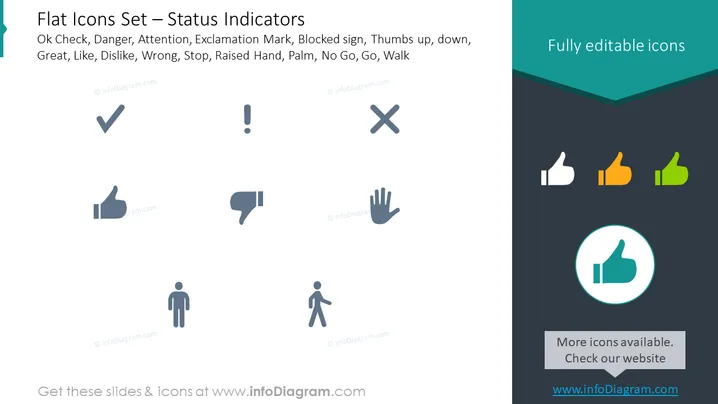
This PowerPoint slide is titled "Flat Icons Set — Status Indicators" and shows a collection of vector icons that represent various status indications: Ok Check (affirmation or correct choice), Danger (signifying a warning or cautious action), Attention (alertness needed), Exclamation Mark (indicating surprise or an important note), Blocked sign (access denied or stop), Thumbs up/down (approval or disapproval), Great (excellence or high quality), Like/Dislike (favorable or unfavorable opinion), Wrong (incorrect or error), Stop (halt or end activity), Raised Hand (participation or volunteering), Palm (halt gesture), No Go (not permitted or declined progress), Go (initiate action or proceed), and Walk (movement or transition). Each concept is visually represented by a simple, easy-to-understand icon that could be used in various communicative contexts.
The slide uses a clean and modern design with flat graphics and a pleasing contrast of colors to aid visual interest and focus on the icons. The use of space and color draws the eye towards the icons, which are the primary elements of the slide.



