

Your graphics add a nice touch to my presentations and I recently used them for one of my all-hands meetings. Your toolbox adds professionalism to my slides. Instead of using standard clipart.
Claude Jones, Director of Engineer, @Walmartlabs, USA

Your graphics add a nice touch to my presentations and I recently used them for one of my all-hands meetings. Your toolbox adds professionalism to my slides. Instead of using standard clipart.
Claude Jones, Director of Engineer, @Walmartlabs, USA
I needed a fresh look at some of my slides. I've tried to find a way to create a paintbrush effect, to underline, accentuate, add some color and the handwritten markers were just the things. Very easy to use, easy to size, change the color. It was an affordable, perfect solution and I'm happy to recommend it.
Anonymous, US
The crisp, clean look of the graphics, and the fact that it allowed me to easily edit and change the colors to match the template was my main reason for purchasing them.
Brandie Jenkins, E-learning Developer, USA
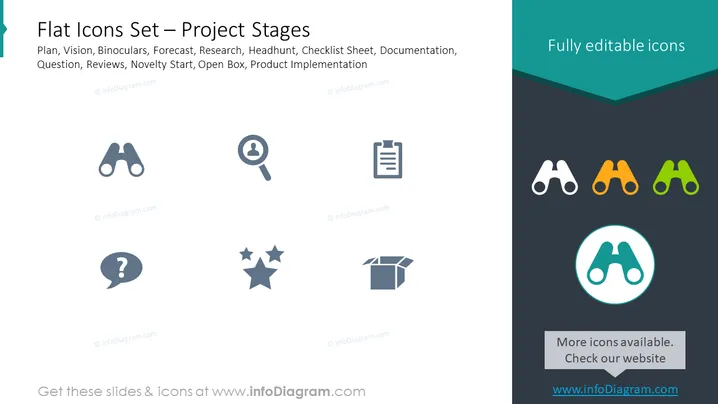
This slide presents a collection of icons representing different project stages, including Plan, Vision, Binoculars, Forecast, Research, Headhunt, Checklist Sheet, Documentation, Question, Reviews, Novelty Start, Open Box, and Product Implementation. Each icon on the slide correlates to a different aspect of project management, such as the planning phase, vision setting, research activities, recruitment process (headhunting), documentation required, addressing queries, reviewing, introducing new phases or products, and ultimately, the implementation of the product.
The overall look of the slide is sleek and professional. The icons are designed to be understandable at a glance, facilitating easy communication of the various project stages.



