
Reviews
Your graphics add a nice touch to my presentations and I recently used them for one of my all-hands meetings. Your toolbox adds professionalism to my slides. Instead of using standard clipart.
I needed a fresh look at some of my slides. I've tried to find a way to create a paintbrush effect, to underline, accentuate, add some color and the handwritten markers were just the things. Very easy to use, easy to size, change the color. It was an affordable, perfect solution and I'm happy to recommend it.
The crisp, clean look of the graphics, and the fact that it allowed me to easily edit and change the colors to match the template was my main reason for purchasing them.
Description
Flat Icons Set
Slide Content
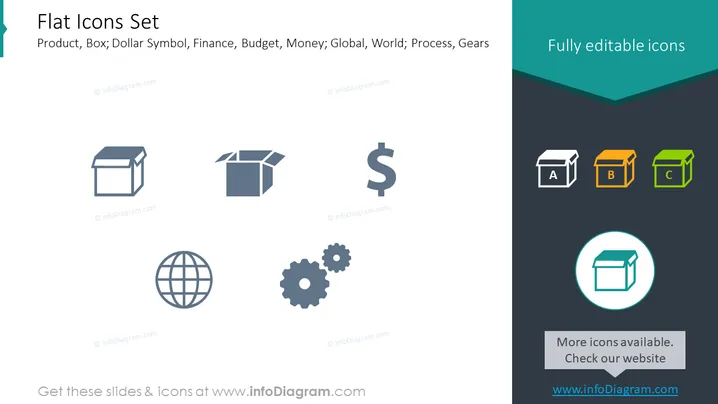
The PowerPoint slide is titled "Flat Icons Set" and details a collection of simplistic symbols representing various concepts: a product box signifying packaging or products; a dollar symbol for finance and budget matters; a global icon representing international presence or worldwide matters; and gears for processes or working mechanics. The icons are intended to be fully customizable for presentations, enabling users to visually communicate these themes effectively.
Graphical Look
- The slide background is split into two major areas: a larger light blue section and a smaller dark teal section toward the top.
- Six icons are evenly distributed on the slide: two open boxes, a dollar sign, a globe, and two interlocking gears.
- The icons in the light blue section are gray-scale, while the icons in the dark teal section are colored, showcasing different states (editable versus final versions).
- There is a notable contrast in style with a bold dark teal banner at the top where stands the slide title in white font.
- A light shadow effect appears behind the main icons, providing a sense of depth.
- A circular callout with a highlighted box icon is at the bottom right, set against the dark background.
- The typography of the slide is clean and uncluttered, with the title in a large, sans-serif font and the descriptive text in a smaller, minimalist style.
The overall look of the slide is modern and professional, with a clear emphasis on the icons as the central focus. The use of flat design and limited color palette creates a visually appealing and easily understandable presentation of the concepts.
Use Cases
- To visually enhance sections of a business presentation dealing with product development, finance management, global strategies, or operational processes.
- Within marketing materials to represent key service offerings or product features in a straightforward and appealing manner.
- As a visual aid during educational or training sessions to highlight specific elements of a business model or organizational structure.
- In startup pitch decks to quickly convey business offerings, market reach, financial goals, and production process using universally understandable symbols.
How to Edit
How to edit text & colors

How to expand / shorten diagram

How to Replace Icons in infoDiagram PPT


