

Your graphics add a nice touch to my presentations and I recently used them for one of my all-hands meetings. Your toolbox adds professionalism to my slides. Instead of using standard clipart.
Claude Jones, Director of Engineer, @Walmartlabs, USA

Your graphics add a nice touch to my presentations and I recently used them for one of my all-hands meetings. Your toolbox adds professionalism to my slides. Instead of using standard clipart.
Claude Jones, Director of Engineer, @Walmartlabs, USA
I needed a fresh look at some of my slides. I've tried to find a way to create a paintbrush effect, to underline, accentuate, add some color and the handwritten markers were just the things. Very easy to use, easy to size, change the color. It was an affordable, perfect solution and I'm happy to recommend it.
Anonymous, US
The crisp, clean look of the graphics, and the fact that it allowed me to easily edit and change the colors to match the template was my main reason for purchasing them.
Brandie Jenkins, E-learning Developer, USA
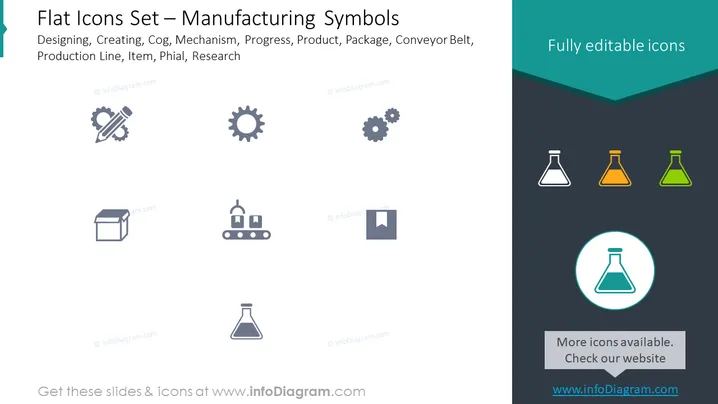
The slide presents a collection of flat icons representing various elements and concepts associated with manufacturing. These include: Designing (an icon of a pencil and ruler indicating the planning phase of manufacturing), Creating (an icon of a cog or gear signifying the production process), Cog (an individual gear icon depicting machine parts), Mechanism (multiple gears showing complex machinery), Progress (a bar graph icon suggesting performance tracking), Product (a box package symbolizing finished goods), Package (an icon illustrating packaging), Conveyor Belt (depicting transportation within manufacturing), Production Line (an icon of a factory line indicating assembly process), Item (a placeholder icon representing individual products), Phial (icon of a flask for chemicals or pharmaceuticals), and Research (icon of a flask suggesting innovation and development activities).
The slide has a modern and professional appearance with a teal and gray color scheme. The icons are simplistic in design, providing an easy-to-understand visual representation of each manufacturing concept.



