

Your graphics add a nice touch to my presentations and I recently used them for one of my all-hands meetings. Your toolbox adds professionalism to my slides. Instead of using standard clipart.
Claude Jones, Director of Engineer, @Walmartlabs, USA

Your graphics add a nice touch to my presentations and I recently used them for one of my all-hands meetings. Your toolbox adds professionalism to my slides. Instead of using standard clipart.
Claude Jones, Director of Engineer, @Walmartlabs, USA
I needed a fresh look at some of my slides. I've tried to find a way to create a paintbrush effect, to underline, accentuate, add some color and the handwritten markers were just the things. Very easy to use, easy to size, change the color. It was an affordable, perfect solution and I'm happy to recommend it.
Anonymous, US
The crisp, clean look of the graphics, and the fact that it allowed me to easily edit and change the colors to match the template was my main reason for purchasing them.
Brandie Jenkins, E-learning Developer, USA
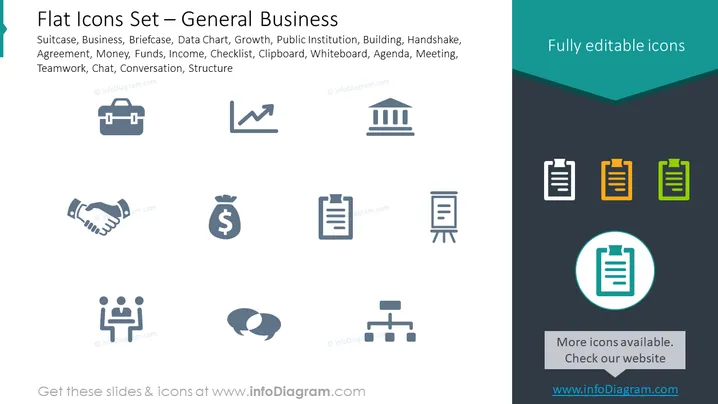
This PowerPoint slide titles "Flat Icons Set – General Business" provides a collection of icons representing various concepts and tools commonly used in a business setting. The icons include a suitcase for business travel, a briefcase, a data chart denoting growth, a classical building symbolizing public institutions, a handshake for agreements, a money bag for funds and income, a checklist clipboard, a whiteboard for presentations, a meeting agenda, a team at a round table signifying teamwork, two speech bubbles for chat and conversation, and an organizational structure diagram.
The overall look of the slide is minimalist and modern, using a restrained color palette to focus attention on the iconography. The consistent style and size of the icons imply ease of use and customization.



