
Reviews
Your slides are my "secret sauce" when it comes to presenting my ideas to clients. I save a lot of time.
J'avais un délai de livraison à respecter et je n'avais pas le temps de créer une variété de modèles de diapositives. Infodiagram m'a proposé des options faciles à télécharger et à personnaliser en fonction de mes besoins !
Vos diapositives suscitent souvent de précieux commentaires et idées de la part de mon équipe, ce qui améliore les diapositives finales.
Description
Diagram List Ribbons – 5 items
Slide Content
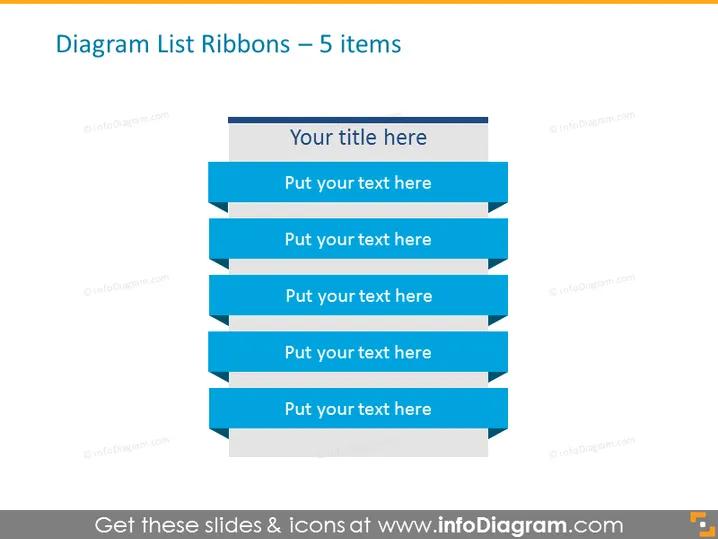
The slide is titled "Diagram List Ribbons – 5 items" and presents a stylized list design with five blue ribbon-shaped banners, each serving as a placeholder for text entry. This format suggests a breakdown of information into five significant parts or concepts, with each ribbon representing an individual point or step in a process or list.
Graphical Look
- The slide features a plain white background.
- At the top, there is a horizontal grey banner for the title.
- Five blue ribbon shapes with drop shadows serve as backgrounds for list items, visually popping out from the slide.
- Each ribbon has a lighter shade on the left, possibly to indicate depth or emphasis.
- Text placeholders on the ribbons are aligned left and written in a plain white sans-serif font.
The overall look is clean and modern, with a 3D effect achieved through the use of drop shadows. The design elements are simple yet effective in directing focus to the list content.
Use Cases
- Presenting a business strategy divided into five key components.
- Displaying a step-by-step process in a workshop or training session.
- Summarizing a project plan's main phases during a team meeting.
- Highlighting five core features of a product in a sales presentation.
How to Edit
How to edit text & colors

How to expand / shorten diagram

How to Replace Icons in infoDiagram PPT


