
Reviews
Ihre Grafiken verleihen meinen Präsentationen eine nette Note, und ich habe sie kürzlich für eines meiner All-Hands-Meetings verwendet. Ihre Toolbox verleiht meinen Folien Professionalität, anstatt Standard-Clipart zu verwenden.
Ich brauchte einen neuen Blick auf einige meiner Folien. Ich habe versucht, einen Weg zu finden, einen Pinselschlag-Effekt zu erzielen, um zu unterstreichen, hervorzuheben, Farbe hinzuzufügen, und die handgeschriebenen Markierungen waren genau das Richtige. Sehr einfach zu bedienen, leicht in der Größe zu ändern, die Farbe zu ändern. Es war eine erschwingliche, perfekte Lösung und ich empfehle sie gerne weiter.
Die klare, saubere Optik der Grafiken und die Tatsache, dass ich die Farben leicht bearbeiten und an die Vorlage anpassen konnte, war mein Hauptgrund für den Kauf.
Description
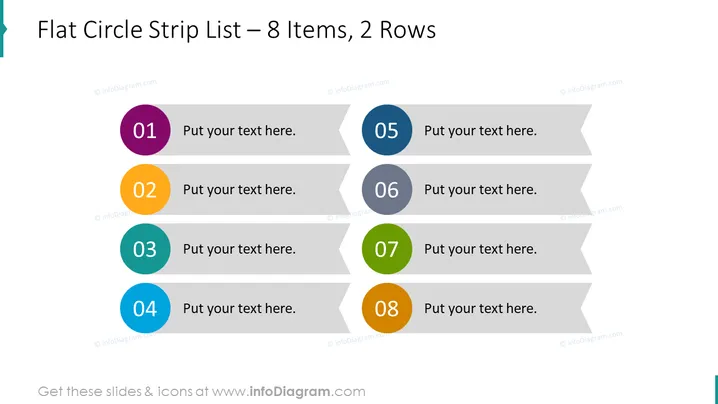
Flat Circle Strip List – 8 Items, 2 Rows
Slide Content
The slide illustrates a structured method for listing information across two rows, with a total of eight items. Items are numbered from 01 to 08 and provide a placeholder for custom text. This layout enables a clear and segregated view of content, facilitating easy readability and organization. Every item represents a potential point or step and could be used to detail sequential information or categorize concepts.
Graphical Look
- Eight round, flat design icons with numbers from 01 to 08 in distinct colors: purple, orange, teal, blue, gray, darker gray, lime green, and darker orange.
- Each icon is connected to a strip-shaped speech bubble in a light gray color with a pointed end on the left, indicating a space for corresponding text.
- The strips are arranged in two rows with alternating left and right alignment, providing an organized, symmetrical appearance.
- A simple, clean white background enhances focus on the content elements.
The slide exudes a modern and organized layout with a vibrant color palette, which grabs attention and guides the viewer through the content seamlessly.
Use Cases
- Presenting a step-by-step process or sequential instructions to an audience during training or educational sessions.
- Showcasing a list of features or benefits of a product in marketing presentations.
- Summarizing multiple points in a business plan or project update.
- Organizing talking points or agenda items in a meeting to facilitate discussion and note-taking.
How to Edit
How to edit text & colors

How to expand / shorten diagram

How to Replace Icons in infoDiagram PPT


