

Your graphics add a nice touch to my presentations and I recently used them for one of my all-hands meetings. Your toolbox adds professionalism to my slides. Instead of using standard clipart.
Claude Jones, Director of Engineer, @Walmartlabs, USA

Your graphics add a nice touch to my presentations and I recently used them for one of my all-hands meetings. Your toolbox adds professionalism to my slides. Instead of using standard clipart.
Claude Jones, Director of Engineer, @Walmartlabs, USA
I needed a fresh look at some of my slides. I've tried to find a way to create a paintbrush effect, to underline, accentuate, add some color and the handwritten markers were just the things. Very easy to use, easy to size, change the color. It was an affordable, perfect solution and I'm happy to recommend it.
Anonymous, US
The crisp, clean look of the graphics, and the fact that it allowed me to easily edit and change the colors to match the template was my main reason for purchasing them.
Brandie Jenkins, E-learning Developer, USA
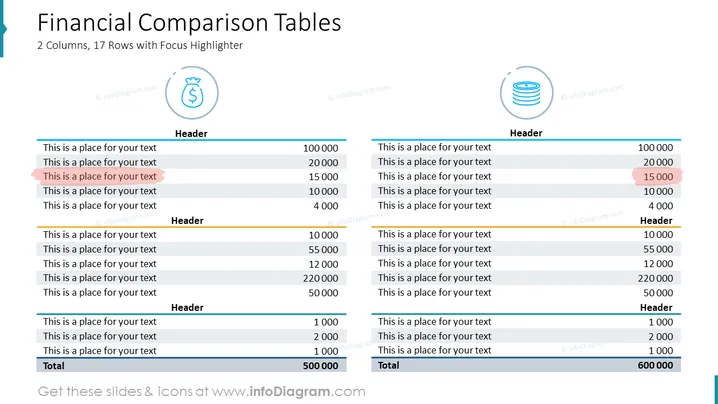
2 Columns, 17 Rows with Focus Highlighter
The slide presents a financial comparison using two tables, each featuring 17 rows, including headers and a total row at the bottom. The rows consist of placeholders for text, which suggests data can be customized according to specific financial comparisons. One item in each table is highlighted to draw attention to that particular data point, indicating it may have special significance or requires special focus. This could be a useful feature for emphasizing key financial figures such as revenue, profit, or cost items within a presentation.
The slide has a balanced, symmetrical layout with a clear division between the two tables. The overarching theme is professional and data-centric, aiming to facilitate direct comparison between two sets of financial data.



