
Reviews
Sus gráficos añaden un toque agradable a mis presentaciones y recientemente los usé para una de mis reuniones generales. Su conjunto de herramientas añade profesionalismo a mis diapositivas. En lugar de usar imágenes prediseñadas estándar.
Necesitaba un aspecto fresco para algunas de mis diapositivas. Había intentado encontrar una forma de crear un efecto de pincel, de subrayar, acentuar, añadir algo de color y los marcadores escritos a mano fueron justo lo que necesitaba. Muy fácil de usar, fácil de ajustar el tamaño, cambiar el color. Fue una solución asequible y perfecta, y estoy feliz de recomendarla.
El aspecto nítido y limpio de los gráficos, y el hecho de que me permitiera editar y cambiar fácilmente los colores para que coincidieran con la plantilla fue mi principal razón para comprarlos.
Description
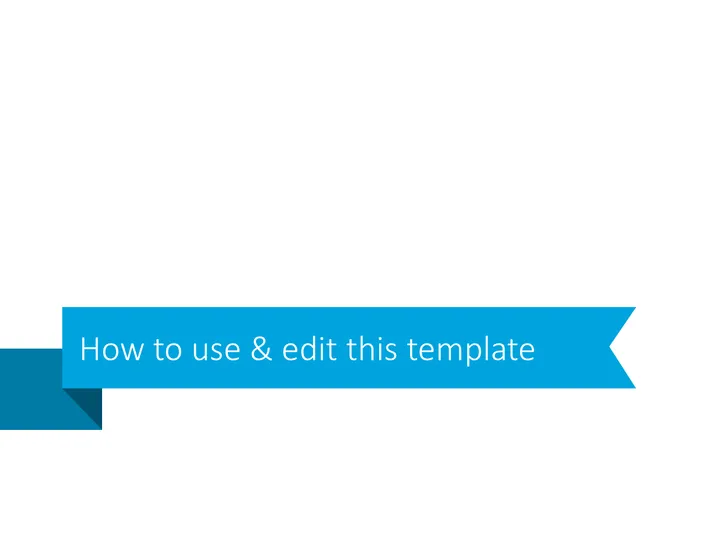
How to use & edit this template
Slide Content
The slide is instructional in nature, aimed at informing the viewer on how to utilize and modify a particular PowerPoint template. The precise methods or steps for using and editing the template are not visible in the image, suggesting that the content is either a high-level overview or a title/introductory slide for a more detailed presentation.
Graphical Look
- The slide has a predominantly blue color scheme with varying shades.
- There is a distinct ribbon or banner design across the slide.
- The ribbon design has a folded arrow shape, giving a sense of motion or direction.
- At the forefront, there's a text box with white-colored font.
- The text is aligned to the left, with ample whitespace surrounding it.
- The shapes are flat with no gradient or texture.
The slide design is contemporary and minimalistic with a professional appearance, utilizing geometry and color contrast to draw attention to the slide's title or topic.
Use Cases
- Introducing a PowerPoint presentation to an audience and outlining the agenda.
- Explaining to a team how to collaborate using a specific slide deck format.
- Conducting a workshop on effective PowerPoint design and template customization.
- Kicking off a training session on corporate branding, using the template to align presentations with brand guidelines.
How to Edit
How to edit text & colors

How to expand / shorten diagram

How to Replace Icons in infoDiagram PPT


