

Your graphics add a nice touch to my presentations and I recently used them for one of my all-hands meetings. Your toolbox adds professionalism to my slides. Instead of using standard clipart.
Claude Jones, Director of Engineer, @Walmartlabs, USA

Your graphics add a nice touch to my presentations and I recently used them for one of my all-hands meetings. Your toolbox adds professionalism to my slides. Instead of using standard clipart.
Claude Jones, Director of Engineer, @Walmartlabs, USA
I needed a fresh look at some of my slides. I've tried to find a way to create a paintbrush effect, to underline, accentuate, add some color and the handwritten markers were just the things. Very easy to use, easy to size, change the color. It was an affordable, perfect solution and I'm happy to recommend it.
Anonymous, US
The crisp, clean look of the graphics, and the fact that it allowed me to easily edit and change the colors to match the template was my main reason for purchasing them.
Brandie Jenkins, E-learning Developer, USA
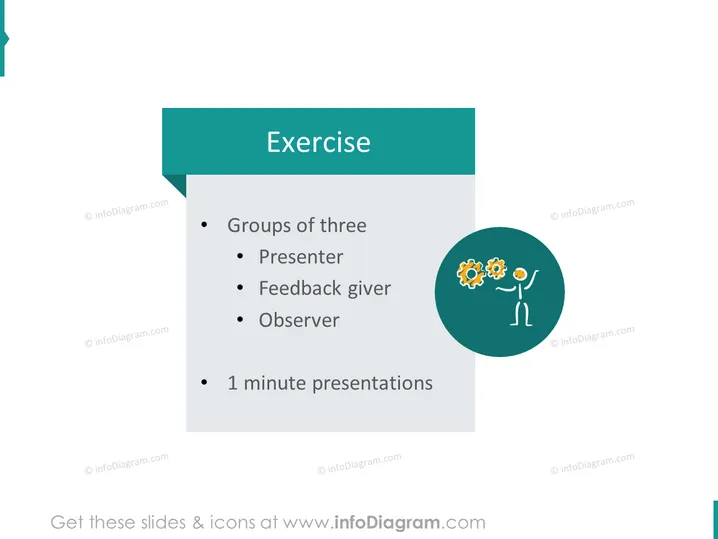
The PowerPoint slide is focused on a group activity called "Exercise." It specifies organizing participants into groups of three with distinct roles: Presenter, Feedback giver, and Observer. These roles suggest a dynamic setting where one presents, another provides critique, and the third evaluates the presentation process. Additionally, the slide mentions "1 minute presentations," implying that each group member should deliver a short presentation within a strict time limit.
The slide has a very minimalistic look with ample whitespace that allows for easy readability. The contrasting colors make the important sections stand out and the icon provides a visual representation of the exercise concept.



