
Your graphics add a nice touch to my presentations and I recently used them for one of my all-hands meetings. Your toolbox adds professionalism to my slides. Instead of using standard clipart.
Claude Jones, Director of Engineer, @Walmartlabs, USA

Your graphics add a nice touch to my presentations and I recently used them for one of my all-hands meetings. Your toolbox adds professionalism to my slides. Instead of using standard clipart.
Claude Jones, Director of Engineer, @Walmartlabs, USA

I needed a fresh look at some of my slides. I've tried to find a way to create a paintbrush effect, to underline, accentuate, add some color and the handwritten markers were just the things. Very easy to use, easy to size, change the color. It was an affordable, perfect solution and I'm happy to recommend it.
Anonymous, US
The crisp, clean look of the graphics, and the fact that it allowed me to easily edit and change the colors to match the template was my main reason for purchasing them.
Brandie Jenkins, E-learning Developer, USA
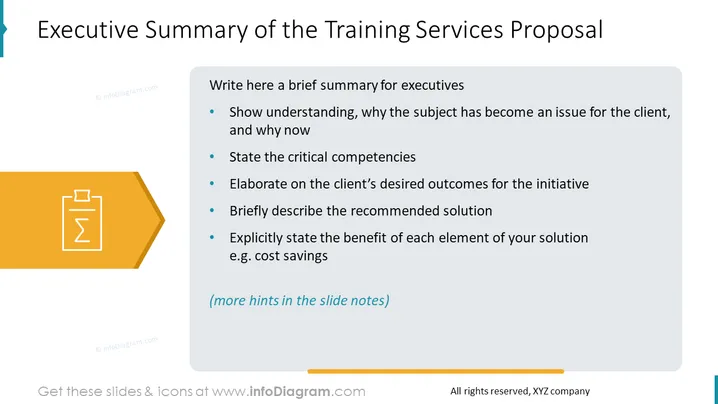
The slide serves as a template for creating an executive summary for a training services proposal. It instructs the presenter to write a brief summary that showcases an understanding of why the topic is relevant to the client at this time and states the critical competencies. The summary should elaborate on the client's desired outcomes, describe the recommended solution, and explicitly state the benefits of each element of the solution, such as cost savings. There is a note that additional hints are available in the slide notes.
The slide is minimalist with a professional appearance, using a basic color scheme of blues, greys, and a single orange tone for visual interest. The layout is clean and structured, effectively breaking down the components of an executive summary for clear communication.


