

Your graphics add a nice touch to my presentations and I recently used them for one of my all-hands meetings. Your toolbox adds professionalism to my slides. Instead of using standard clipart.
Claude Jones, Director of Engineer, @Walmartlabs, USA

Your graphics add a nice touch to my presentations and I recently used them for one of my all-hands meetings. Your toolbox adds professionalism to my slides. Instead of using standard clipart.
Claude Jones, Director of Engineer, @Walmartlabs, USA
I needed a fresh look at some of my slides. I've tried to find a way to create a paintbrush effect, to underline, accentuate, add some color and the handwritten markers were just the things. Very easy to use, easy to size, change the color. It was an affordable, perfect solution and I'm happy to recommend it.
Anonymous, US
The crisp, clean look of the graphics, and the fact that it allowed me to easily edit and change the colors to match the template was my main reason for purchasing them.
Brandie Jenkins, E-learning Developer, USA
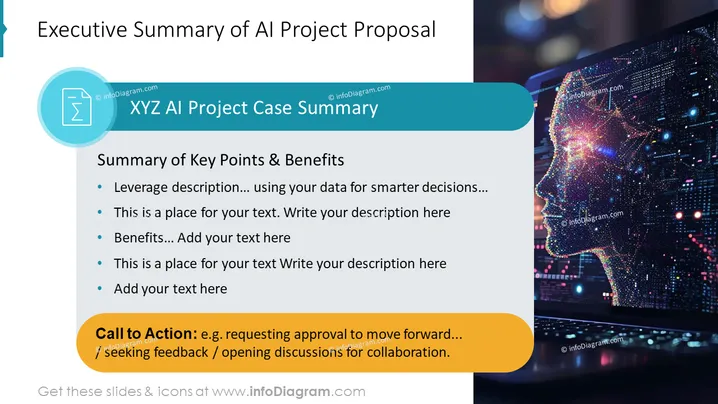
The PowerPoint slide is titled "Executive Summary of AI Project Proposal" and contains a section with the subheading "XYZ AI Project Case Summary." It outlines key points and benefits of the proposal, with bullet points for the user to add specific text. The points hint at leveraging data for smarter decisions and unspecified benefits. Following these is a "Call to Action" section suggesting potential actions such as seeking feedback or discussing collaboration opportunities, indicating a step towards engaging the audience or stakeholders with the proposal.
The slide has a modern and visually striking look, utilizing contrasting colors and a high-tech image to draw attention and emphasize the subject of AI.



