

Your graphics add a nice touch to my presentations and I recently used them for one of my all-hands meetings. Your toolbox adds professionalism to my slides. Instead of using standard clipart.
Claude Jones, Director of Engineer, @Walmartlabs, USA

Your graphics add a nice touch to my presentations and I recently used them for one of my all-hands meetings. Your toolbox adds professionalism to my slides. Instead of using standard clipart.
Claude Jones, Director of Engineer, @Walmartlabs, USA
I needed a fresh look at some of my slides. I've tried to find a way to create a paintbrush effect, to underline, accentuate, add some color and the handwritten markers were just the things. Very easy to use, easy to size, change the color. It was an affordable, perfect solution and I'm happy to recommend it.
Anonymous, US
The crisp, clean look of the graphics, and the fact that it allowed me to easily edit and change the colors to match the template was my main reason for purchasing them.
Brandie Jenkins, E-learning Developer, USA
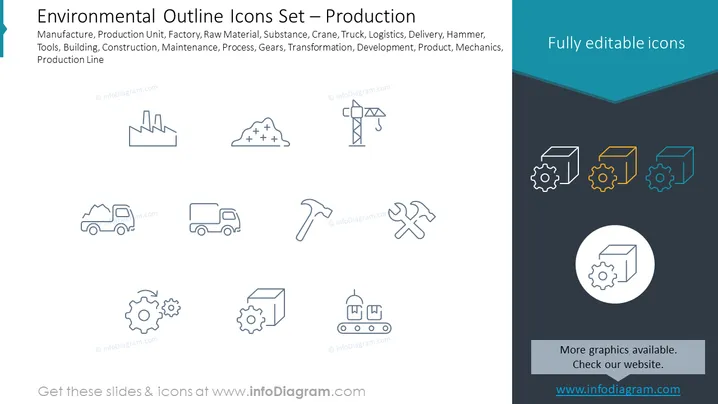
Slide Content: The slide seems to be showcasing a set of icons related to production and manufacturing environments. Each icon represents a different aspect of production such as a factory, materials, and logistics. For instance, the 'Manufacture' icon suggests the overarching industrial process, while 'Raw Material' points to the starting elements of production. 'Substance' indicates chemical or raw inputs, 'Crane' denotes heavy lifting equipment, 'Truck' symbolizes transportation, 'Logistics' concerns the organization of moving goods, 'Delivery' implies the distribution of products, 'Hammer' and 'Tools' refer to manual work and equipment, 'Building' and 'Construction' suggest infrastructure, 'Maintenance' covers the upkeep of systems, 'Process' is about the steps involved in manufacturing, 'Gears' symbolize the machinery, 'Transformation' pertains to the change in form or function, 'Development' reflects enhancements or growth, 'Product' is the end result, 'Mechanics' relates to the operation of machines, and 'Production Line' represents the sequential assembly steps.
Graphical Look:
The overall look is clean and modern, with a minimalistic design that allows for easy interpretation of the icons. The color scheme is limited, predominantly featuring shades of grey and blue, providing a professional and visually balanced appearance.
Use Cases:



