

Your graphics add a nice touch to my presentations and I recently used them for one of my all-hands meetings. Your toolbox adds professionalism to my slides. Instead of using standard clipart.
Claude Jones, Director of Engineer, @Walmartlabs, USA

Your graphics add a nice touch to my presentations and I recently used them for one of my all-hands meetings. Your toolbox adds professionalism to my slides. Instead of using standard clipart.
Claude Jones, Director of Engineer, @Walmartlabs, USA
I needed a fresh look at some of my slides. I've tried to find a way to create a paintbrush effect, to underline, accentuate, add some color and the handwritten markers were just the things. Very easy to use, easy to size, change the color. It was an affordable, perfect solution and I'm happy to recommend it.
Anonymous, US
The crisp, clean look of the graphics, and the fact that it allowed me to easily edit and change the colors to match the template was my main reason for purchasing them.
Brandie Jenkins, E-learning Developer, USA
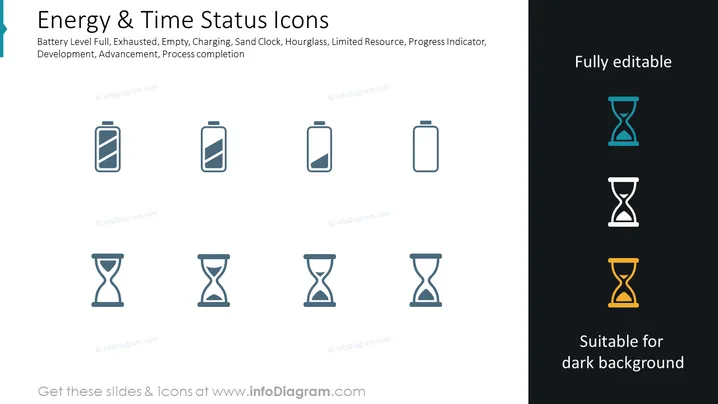
The PowerPoint slide presents a set of icons representing various levels of battery charge and time progression. These icons include Battery Level Full, indicating a complete charge; Exhausted, denoting complete discharge; Empty, meaning no charge; Charging, showing the battery is currently charging; Sand Clock, an alternative to the hourglass representing time; Hourglass, a classic symbol for time passage; Limited Resource, hinting at scarcity; Progress Indicator, suggesting a work in progress; and Process Completion, signaling the end of a process or task.
The slide features a clean, professional design, with simple icons that effectively communicate varying statuses. The color contrast between the icons and backgrounds is distinct, ensuring clear visibility.



