

Your graphics add a nice touch to my presentations and I recently used them for one of my all-hands meetings. Your toolbox adds professionalism to my slides. Instead of using standard clipart.
Claude Jones, Director of Engineer, @Walmartlabs, USA

Your graphics add a nice touch to my presentations and I recently used them for one of my all-hands meetings. Your toolbox adds professionalism to my slides. Instead of using standard clipart.
Claude Jones, Director of Engineer, @Walmartlabs, USA
I needed a fresh look at some of my slides. I've tried to find a way to create a paintbrush effect, to underline, accentuate, add some color and the handwritten markers were just the things. Very easy to use, easy to size, change the color. It was an affordable, perfect solution and I'm happy to recommend it.
Anonymous, US
The crisp, clean look of the graphics, and the fact that it allowed me to easily edit and change the colors to match the template was my main reason for purchasing them.
Brandie Jenkins, E-learning Developer, USA
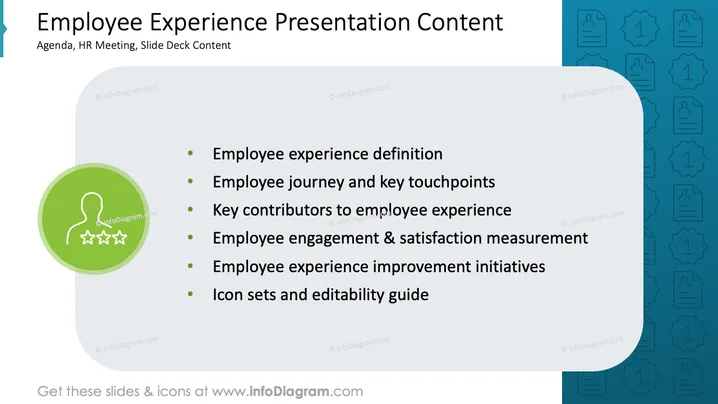
The slide outlines key areas of employee experience, including the definition of employee experience, which highlights what constitutes a quality work environment. It covers the employee journey and key touchpoints that define how employees interact at various stages. The slide also discusses key contributors to employee experience, necessary for optimizing workplace culture. Measurement of employee engagement and satisfaction is emphasized, alongside initiatives for improvement. Finally, it includes icon sets and editability guidelines to enhance presentation usability.
Overall, the slide is visually appealing with a clear structure, using color contrast effectively. Icons and text are balanced for easy readability.



