
Reviews
Your graphics add a nice touch to my presentations and I recently used them for one of my all-hands meetings. Your toolbox adds professionalism to my slides. Instead of using standard clipart.
I needed a fresh look at some of my slides. I've tried to find a way to create a paintbrush effect, to underline, accentuate, add some color and the handwritten markers were just the things. Very easy to use, easy to size, change the color. It was an affordable, perfect solution and I'm happy to recommend it.
The crisp, clean look of the graphics, and the fact that it allowed me to easily edit and change the colors to match the template was my main reason for purchasing them.
Description
Education & science
Slide Content
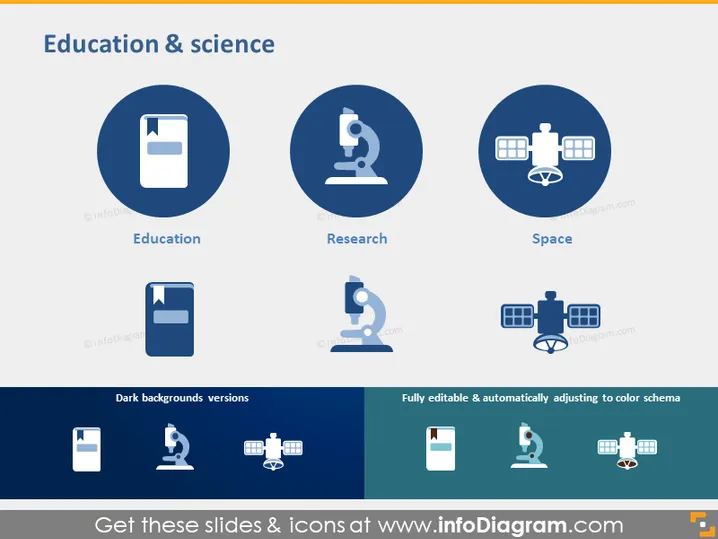
The PowerPoint slide titled "Education & science" contains visual elements representing three key themes: Education, depicted as a book; Research, depicted as a microscope; and Space, represented by a satellite. Each theme is a crucial aspect of the scientific endeavor—Education being the foundation of learning, Research signifying the process of investigation and discovery, and Space indicating the exploration and technological advancements beyond Earth. Additionally, there are dark background versions of the icons presented and a note that everything is fully editable and adjusts to the color schema.
Graphical Look
- The slide has a clean, professional design with a light blue and white color scheme.
- It features three main circular icons, each set within a larger dark blue circle.
- The icons are a white book for Education, a white microscope for Research, and a white satellite for Space.
- Under each main icon is a caption in white, clearly labeling each icon’s theme.
- Below the main content area, three smaller icons replicate the main icons, demonstrating their appearance on dark backgrounds.
- An orange rectangular label at the bottom right corner highlights the icons' editable nature.
The slide has a symmetrical layout with icons evenly distributed for visual balance. The use of icons within circles creates a sense of cohesion and focus.
Use Cases
- Introducing the core areas of a scientific or educational institution during a presentation.
- Showcasing the main fields of study or research in a university's departmental overview.
- Illustrating the thematic areas of focus in a grant proposal or research funding application.
- Enhancing the visual appeal of academic or scientific conference presentations.
How to Edit
How to edit text & colors

How to expand / shorten diagram

How to Replace Icons in infoDiagram PPT


