

Your graphics add a nice touch to my presentations and I recently used them for one of my all-hands meetings. Your toolbox adds professionalism to my slides. Instead of using standard clipart.
Claude Jones, Director of Engineer, @Walmartlabs, USA

Your graphics add a nice touch to my presentations and I recently used them for one of my all-hands meetings. Your toolbox adds professionalism to my slides. Instead of using standard clipart.
Claude Jones, Director of Engineer, @Walmartlabs, USA
I needed a fresh look at some of my slides. I've tried to find a way to create a paintbrush effect, to underline, accentuate, add some color and the handwritten markers were just the things. Very easy to use, easy to size, change the color. It was an affordable, perfect solution and I'm happy to recommend it.
Anonymous, US
The crisp, clean look of the graphics, and the fact that it allowed me to easily edit and change the colors to match the template was my main reason for purchasing them.
Brandie Jenkins, E-learning Developer, USA
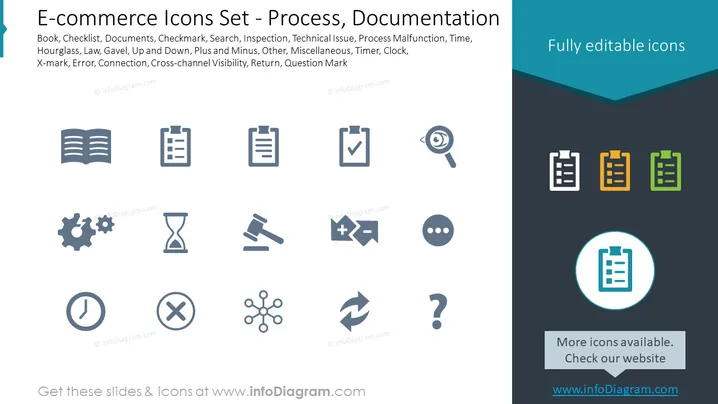
The slide is a collection of icons related to e-commerce processes and documentation. These include symbols for Book (knowledge or information resource), Checklist (tasks or items to review), Documents (various papers or digital records), Checkmark (completed tasks or validation), Search (looking for information or items), Inspection (quality or compliance check), and Technical Issue which could possibly imply troubleshooting or problem-solving. It also shows icons for Process Malfunction (workflow disruptions), Time (duration or deadlines), Hourglass (passing time), Law (legal aspects), Gavel (judicial authority), Up and Down arrows (direction or movement), Plus and Minus signs (addition or subtraction in context), and various others like Error (mistakes or issues), Connection (linking elements), Cross-channel Visibility (multi-platform awareness), Return (process of taking back goods), and a Question Mark (unknown factors or inquiries).
The overall look of the slide is professional and organized, offering a ### Graphical Look
The slide presents its content in a well-organized, visually appealing manner. The icons are simple and professional, and the color accents help make the slide engaging without being overwhelming.



