
Reviews
Your graphics add a nice touch to my presentations and I recently used them for one of my all-hands meetings. Your toolbox adds professionalism to my slides. Instead of using standard clipart.
I needed a fresh look at some of my slides. I've tried to find a way to create a paintbrush effect, to underline, accentuate, add some color and the handwritten markers were just the things. Very easy to use, easy to size, change the color. It was an affordable, perfect solution and I'm happy to recommend it.
The crisp, clean look of the graphics, and the fact that it allowed me to easily edit and change the colors to match the template was my main reason for purchasing them.
Description
E-commerce Icons Set — Payment Transactions
Slide Content
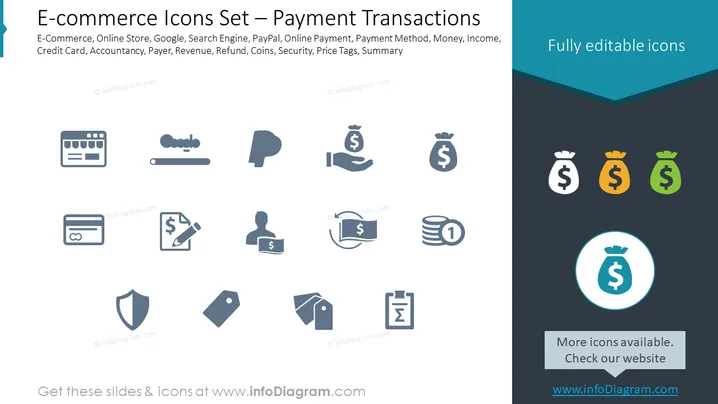
The slide presents a collection of icons representing various aspects of e-commerce payment transactions. It covers key elements such as an online store, search engine, payment systems like PayPal, different payment methods, financial concepts like money, income, credit card usage, accountancy, the act of paying, receiving revenue, processes of refunding, coins for smaller transactions, security aspects, pricing (price tags), and summarizing financial data.
Graphical Look
- The slide background is divided diagonally, with a light gray upper half and a dark teal lower half.
- A set of twelve icons are aligned in a grid layout with four icons per row across three rows.
- Four icons on the right-hand side are colored in a gradient scheme from dark to light teal to olive green, while the rest are gray.
- Each icon represents a different concept related to payment transactions, stylized in a minimal, flat design.
- The icons include a shopping web page, a stylized search bar with a magnifying glass, a disapproving hand gesture, hands with money indicating a transaction, and other financial symbols.
- The bottom center icon is enclosed in a circle and highlighted with a contrasting blue color to emphasize its importance.
- Text on the slide includes the title in large white font at the top, descriptive keywords below in a smaller font, and a footer area emphasizing the editability of the icons and inviting users to visit a website for more icons.
The graphical elements are simple yet visually balanced, with the colored icons drawing attention towards them. The contrasting colors and shapes are uniformly aligned, creating a clean and professional appearance.
Use Cases
- Showcasing various payment-related features during an e-commerce platform presentation.
- Highlighting different aspects of financial transactions in a business model pitch to investors or stakeholders.
- Serving as visual aids in an educational presentation about online payment systems.
- Enhancing a user interface design proposal or a web design mock up presentation where icons could be used to symbolize the functionalities of different payment options.
How to Edit
How to edit text & colors

How to expand / shorten diagram

How to Replace Icons in infoDiagram PPT


