

Your graphics add a nice touch to my presentations and I recently used them for one of my all-hands meetings. Your toolbox adds professionalism to my slides. Instead of using standard clipart.
Claude Jones, Director of Engineer, @Walmartlabs, USA

Your graphics add a nice touch to my presentations and I recently used them for one of my all-hands meetings. Your toolbox adds professionalism to my slides. Instead of using standard clipart.
Claude Jones, Director of Engineer, @Walmartlabs, USA
I needed a fresh look at some of my slides. I've tried to find a way to create a paintbrush effect, to underline, accentuate, add some color and the handwritten markers were just the things. Very easy to use, easy to size, change the color. It was an affordable, perfect solution and I'm happy to recommend it.
Anonymous, US
The crisp, clean look of the graphics, and the fact that it allowed me to easily edit and change the colors to match the template was my main reason for purchasing them.
Brandie Jenkins, E-learning Developer, USA
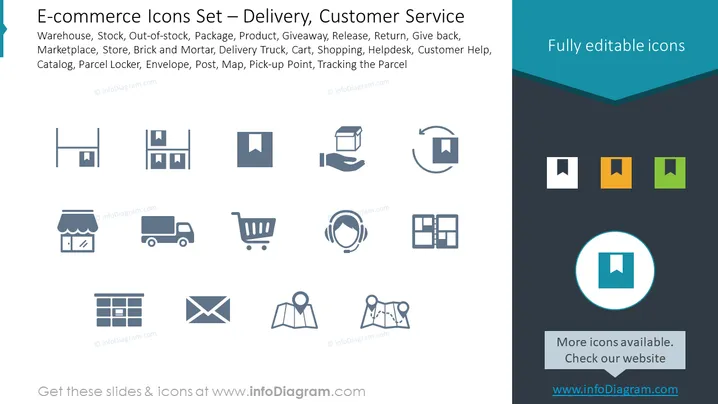
The slide presents an assortment of icons associated with e-commerce, specifically focusing on delivery and customer service aspects. The listed items include "Warehouse," indicating storage for products; "Stock," the inventory available for sale; "Out-of-stock," which signifies unavailable items; "Package," representing goods prepared for shipment; "Product," the items being offered; "Giveaway," likely referring to promotional items; "Release," which could mean launching new products; "Return" for items sent back; "Give back," aligned with return policies; "Marketplace," a platform for buying and selling; "Store," indicating a physical or online shop; "Brick and Mortar," referencing traditional street-side businesses; "Delivery Truck," for transporting goods; "Cart," the shopping utility; "Shopping," the act of purchasing; "Helpdesk," customer assistance services; "Customer Help," support offered to shoppers; "Catalog," a listing of available products; "Parcel Locker," for secure package storage; "Envelope," likely referring to mail orders; "Post," relating to postal services; "Map," navigation or location tool; "Pick-up Point," a designated place for collecting purchases; and "Tracking the Parcel," the process of monitoring the delivery status of packages.
The overall visual composition is clean and professional, using a modern and minimalist design aesthetic. The icons are readily identifiable and the color contrast ensures they stand out on the slide's dual-tone background.



