
Reviews
Ihre Grafiken verleihen meinen Präsentationen eine nette Note, und ich habe sie kürzlich für eines meiner All-Hands-Meetings verwendet. Ihre Toolbox verleiht meinen Folien Professionalität, anstatt Standard-Clipart zu verwenden.
Ich brauchte einen neuen Blick auf einige meiner Folien. Ich habe versucht, einen Weg zu finden, einen Pinselschlag-Effekt zu erzielen, um zu unterstreichen, hervorzuheben, Farbe hinzuzufügen, und die handgeschriebenen Markierungen waren genau das Richtige. Sehr einfach zu bedienen, leicht in der Größe zu ändern, die Farbe zu ändern. Es war eine erschwingliche, perfekte Lösung und ich empfehle sie gerne weiter.
Die klare, saubere Optik der Grafiken und die Tatsache, dass ich die Farben leicht bearbeiten und an die Vorlage anpassen konnte, war mein Hauptgrund für den Kauf.
Description
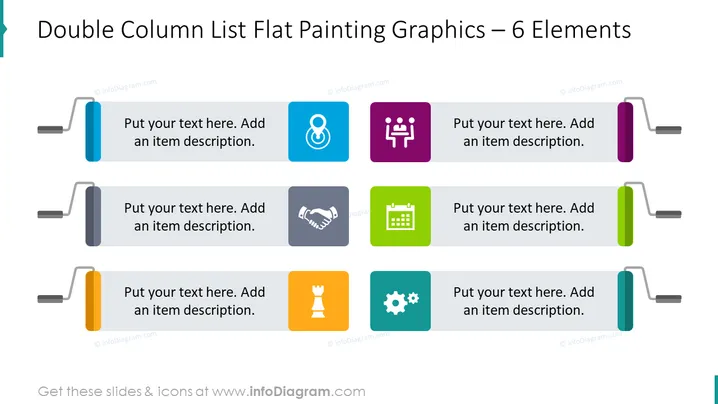
Double Column List Flat Painting Graphics - 6 Elements Slide slide content
The Double Column List Flat Painting Graphics - 6 Elements Slide can be used when you need to present information in a clear and visually appealing way. The vibrant colors and minimalist design of this slide make it an ideal choice for presentations related to project updates, marketing campaigns, or product launches. For example, if you are presenting the features of a product, this PPT slide can help to highlight the key benefits of each feature, along with relevant visuals. We have added space for you to write a brief description next to each element, and you can illustrate your ideas with creative icons. All shapes are vectors, so you can play with the colors and resize the elements without losing quality. You can download this PPT template on Google Slides and Keynote.
Column List Flat Painting Graphics - 6 Elements Slide slide infographics
White Background, Text Box, Colorful Flat Painting Graphics, Goal Icon, Destination Icon, Handshake Icon, Agreement Icon, Strategy Icon, Chess Icon, Meeting Icon, Teamwork Icon, Calendar Icon, Gears Icon, Process Icon
How to Edit
How to edit text & colors

How to expand / shorten diagram

How to Replace Icons in infoDiagram PPT


