

Your graphics add a nice touch to my presentations and I recently used them for one of my all-hands meetings. Your toolbox adds professionalism to my slides. Instead of using standard clipart.
Claude Jones, Director of Engineer, @Walmartlabs, USA

Your graphics add a nice touch to my presentations and I recently used them for one of my all-hands meetings. Your toolbox adds professionalism to my slides. Instead of using standard clipart.
Claude Jones, Director of Engineer, @Walmartlabs, USA
I needed a fresh look at some of my slides. I've tried to find a way to create a paintbrush effect, to underline, accentuate, add some color and the handwritten markers were just the things. Very easy to use, easy to size, change the color. It was an affordable, perfect solution and I'm happy to recommend it.
Anonymous, US
The crisp, clean look of the graphics, and the fact that it allowed me to easily edit and change the colors to match the template was my main reason for purchasing them.
Brandie Jenkins, E-learning Developer, USA
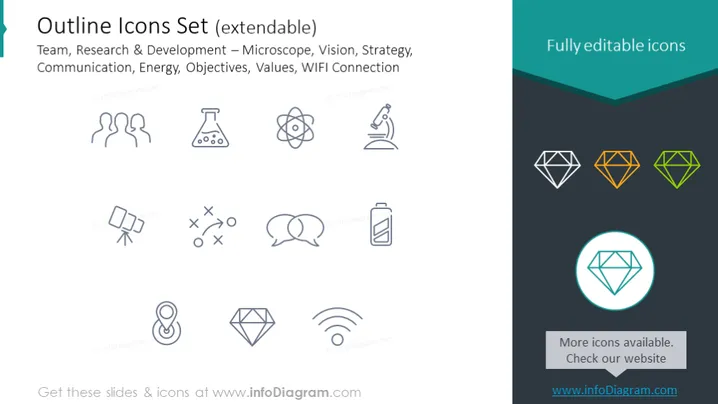
The PowerPoint slide showcases an "Outline Icons Set" that is described as extendable. These icons represent concepts such as Team (stylized human figures), Research & Development (a microscope symbolizing scientific study, and an atom representing atomic or molecular research), Vision (an eye icon), Strategy (chess piece implying tactical planning), Communication (speech bubbles), Energy (a battery indicating power sources), Objectives (a checkmark inside a location pin pointing to goals or destinations), Values (a diamond shape suggesting precious principles), and WIFI Connection (the familiar wireless signal icon).
The slide has a minimalistic and professional look with a simple color palette and clear, outlined icons. The use of color highlights certain elements and creates a focal point to draw the eye.



