
Your graphics add a nice touch to my presentations and I recently used them for one of my all-hands meetings. Your toolbox adds professionalism to my slides. Instead of using standard clipart.
Claude Jones, Director of Engineer, @Walmartlabs, USA
Your graphics add a nice touch to my presentations and I recently used them for one of my all-hands meetings. Your toolbox adds professionalism to my slides. Instead of using standard clipart.
Claude Jones, Director of Engineer, @Walmartlabs, USA
I needed a fresh look at some of my slides. I've tried to find a way to create a paintbrush effect, to underline, accentuate, add some color and the handwritten markers were just the things. Very easy to use, easy to size, change the color. It was an affordable, perfect solution and I'm happy to recommend it.
Anonymous, US
The crisp, clean look of the graphics, and the fact that it allowed me to easily edit and change the colors to match the template was my main reason for purchasing them.
Brandie Jenkins, E-learning Developer, USA
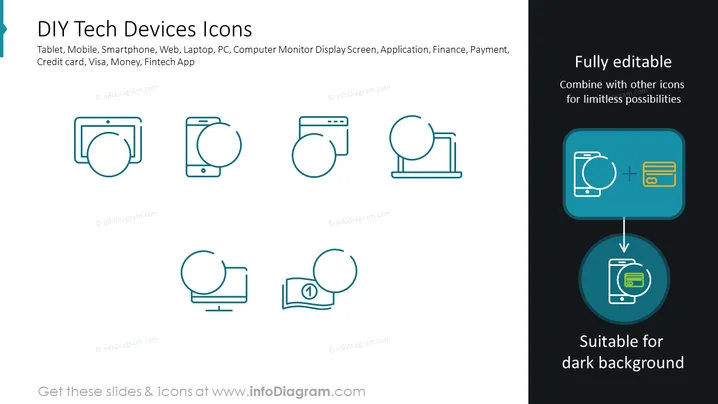
This slide titled "DIY Tech Devices Icons" showcases a collection of vector icons related to technology and finance. Representing Tablet, Mobile, Smartphone, Web, Laptop, PC, and Computer Monitor Display Screen, each icon simplifies the device into minimalistic shapes for clear communication. Additionally, icons symbolize key aspects of finance such as Credit Card, Visa, Money, and Fintech App, indicating uses in digital payment contexts. The icons are described as "Fully editable," suggesting they can be tailored to specific presentation needs, with the blue-highlighted section indicating these icons are suitable for dark backgrounds and can be combined for limitless possibilities.
The slide has a sleek, professional appearance with a limited color palette focusing on teal, blue, and yellow to highlight specific elements. The design is minimalist and vector-based, making it visually accessible and easy to comprehend.




