
Reviews
Your graphics add a nice touch to my presentations and I recently used them for one of my all-hands meetings. Your toolbox adds professionalism to my slides. Instead of using standard clipart.
I needed a fresh look at some of my slides. I've tried to find a way to create a paintbrush effect, to underline, accentuate, add some color and the handwritten markers were just the things. Very easy to use, easy to size, change the color. It was an affordable, perfect solution and I'm happy to recommend it.
The crisp, clean look of the graphics, and the fact that it allowed me to easily edit and change the colors to match the template was my main reason for purchasing them.
Description
Icons: Distribution, Retail
Slide Content
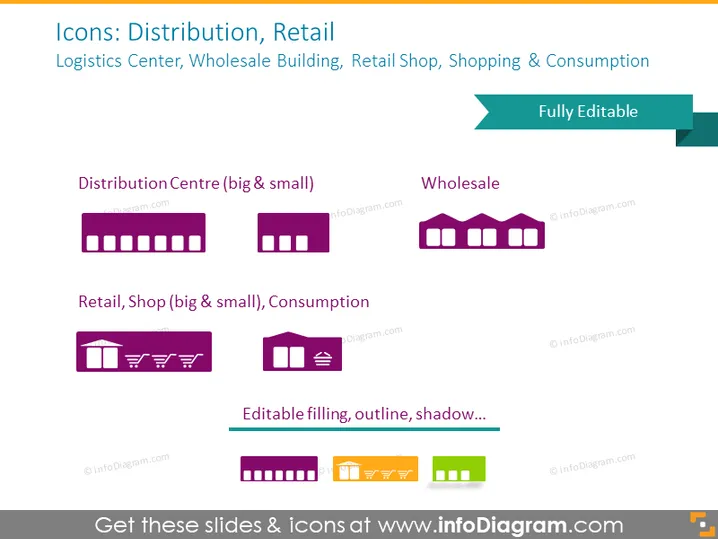
The slide titled "Icons: Distribution, Retail" presents a collection of vector icons related to logistics and retail sectors. There are two categories shown: "Distribution Centre (big & small)" signifies facilities where goods are stored and distributed; "Wholesale" represents the intermediaries in trading; "Retail Shop (big & small), Consumption" suggests stores where consumers purchase products. Accompanied by these categories are icons editable in filling, outline, and shadow, indicating customizable features for presentations.
Graphical Look
- Background: Solid Fill
- Title: Large bold font, upper left position, dark text on light background.
- Subtitle: Smaller font just below the title, with complementary information.
- Icons: Four sets of icons with variations for size and type.
- First set: Two distribution center buildings, different sizes with shadow effect.
- Second set: A single wholesale building icon, with a shadow effect.
- Third set: Two retail shop icons, different sizes depicting storefronts, with shadow effect.
- Text Labels: Each set of icons is labeled with descriptive texts in a smaller font size.
- Editability tag: A ribbon banner at the upper right stating "Fully Editable."
- Color theme: Consistent use of purples and greens for icons and text.
The slide is visually coherent with a professional look, utilizing a color scheme that's easy on the eye and has a structured layout that is clear and easy to follow.
Use Cases
- To illustrate different components of a supply chain in a business presentation.
- Within a marketing strategy deck to depict various channels of product distribution.
- In training materials for new hires in a retail or distribution company.
- For visualizing logistics infrastructure in a company profile or investor pitch.
How to Edit
How to edit text & colors

How to expand / shorten diagram

How to Replace Icons in infoDiagram PPT


